INOXPAN S.L. EN - 20
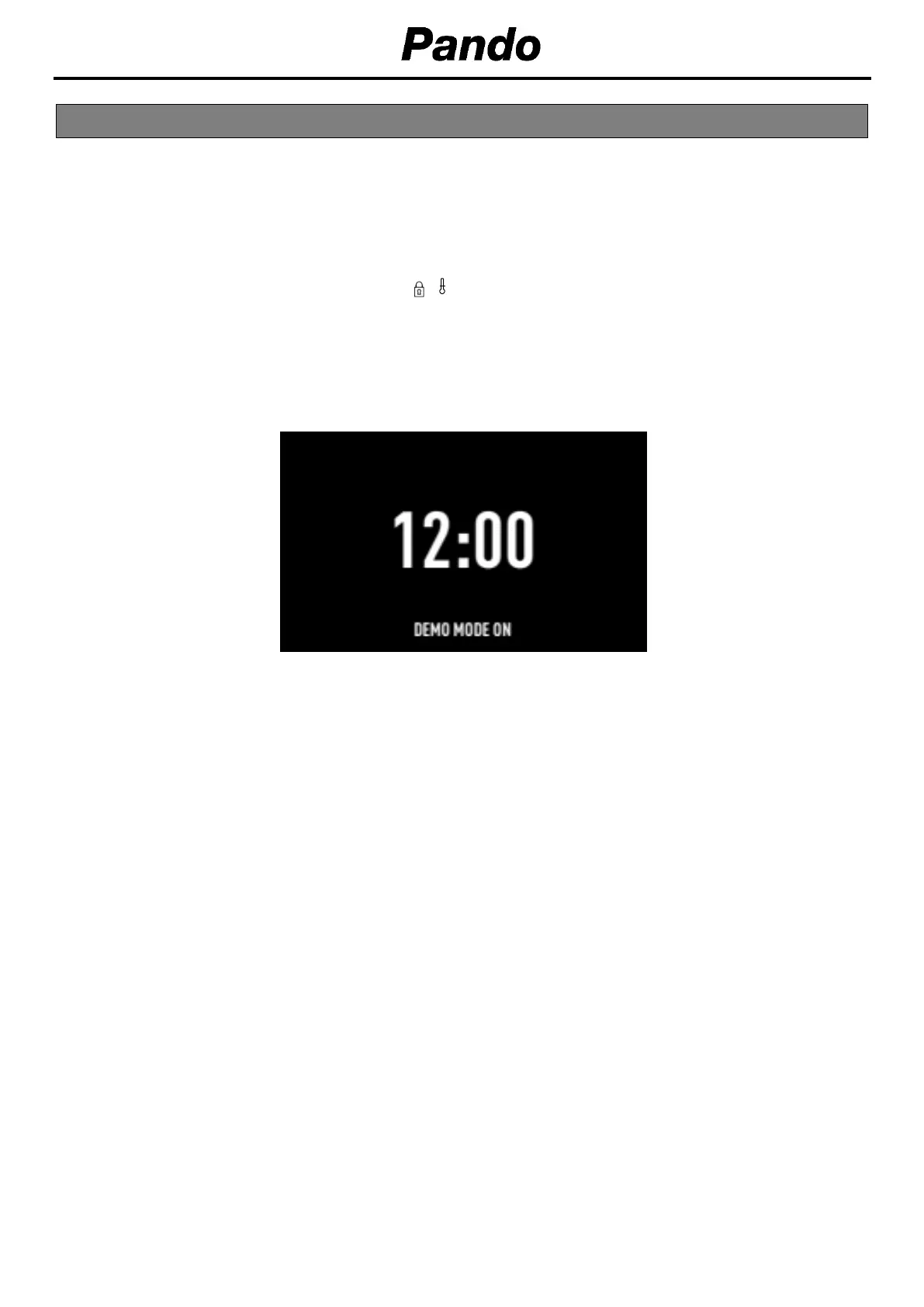
With the DEMO mode activated, you can control the oven without heating.
Activating this mode is recommended if the oven is to be plugged in at a showroom.
Activating DEMO mode
Before setting the clock, press the buttons
simultaneously until “DEMO Mode ON”
appears on
the screen.
Then, set the time on the oven.
The word “DEMO” will be shown permanently on the panel and the oven will work as normal, but
without heating up.
To
deactivate DEMO mode,
unplug the oven from the socket
.
10. DEMO MODE (SPECIAL FUNCTION FOR SHOP FLOORS)


 To Next Page
 Loading...