11
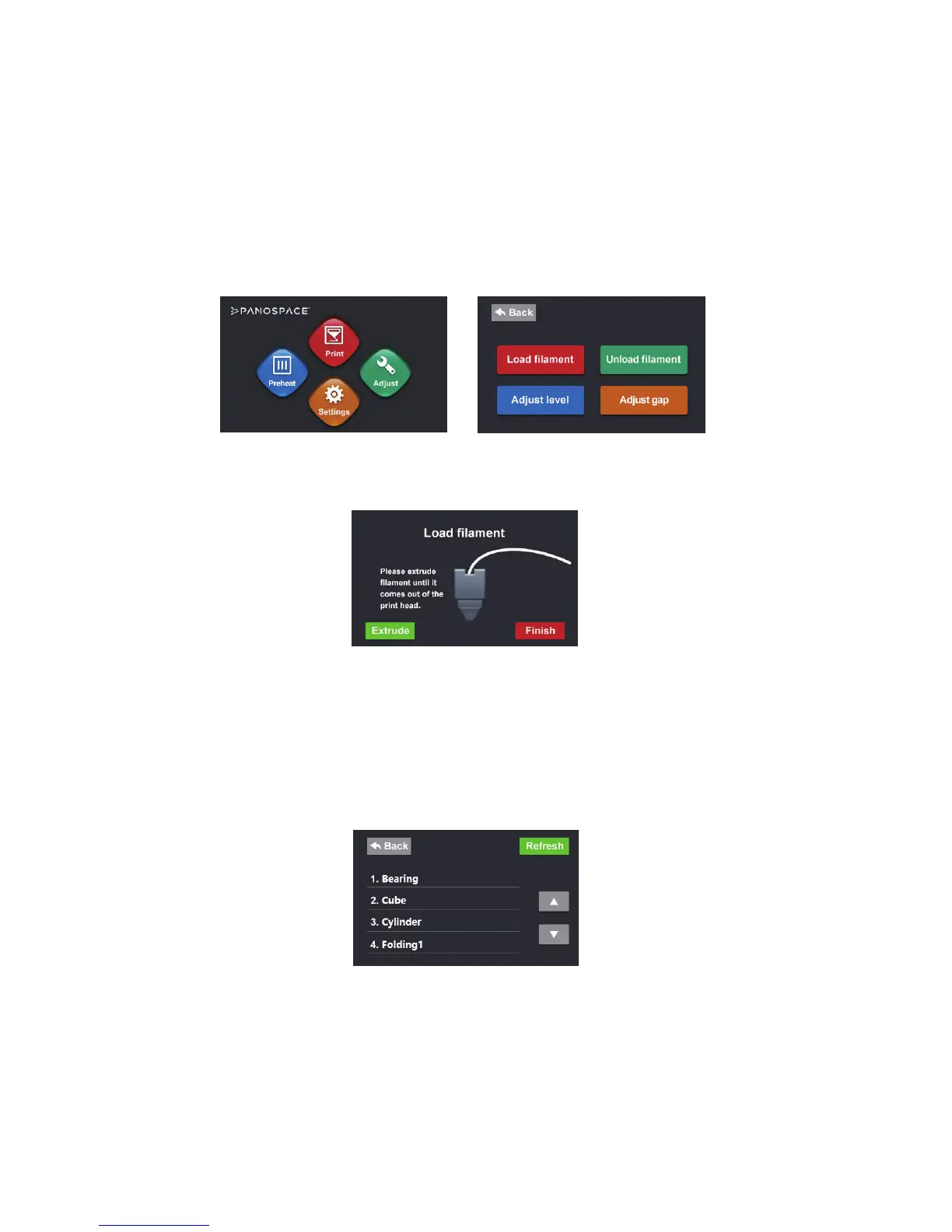
5. Click the “Adjust” button on the main menu on the touch screen, then click
“Load lament” button.
6. The extruder heats up the lament and extrudes the lament out of the print head.
7. If the lament doesn’t come out, click the “Extrude” button.
8. Click the “Finish” button after lament is extruded from the print head.
1.8 Print 3D Models
1. Click the “Print” button on the main menu on the touch screen. You should
see a list of pre-installed les.


 To Next Page