18
III. PanoBuilder
In addition to the pre-installed 3D models, you may print others using the
PanoBuilder application.
3.1 Download and Install PanoBuilder
1. Go to the
http://www.3dpanospace.com
page, download PanoBuilder installer
for Windows or Mac OS X.
2. Run PanoBuilder installer, follow the setup wizard to nish installation.
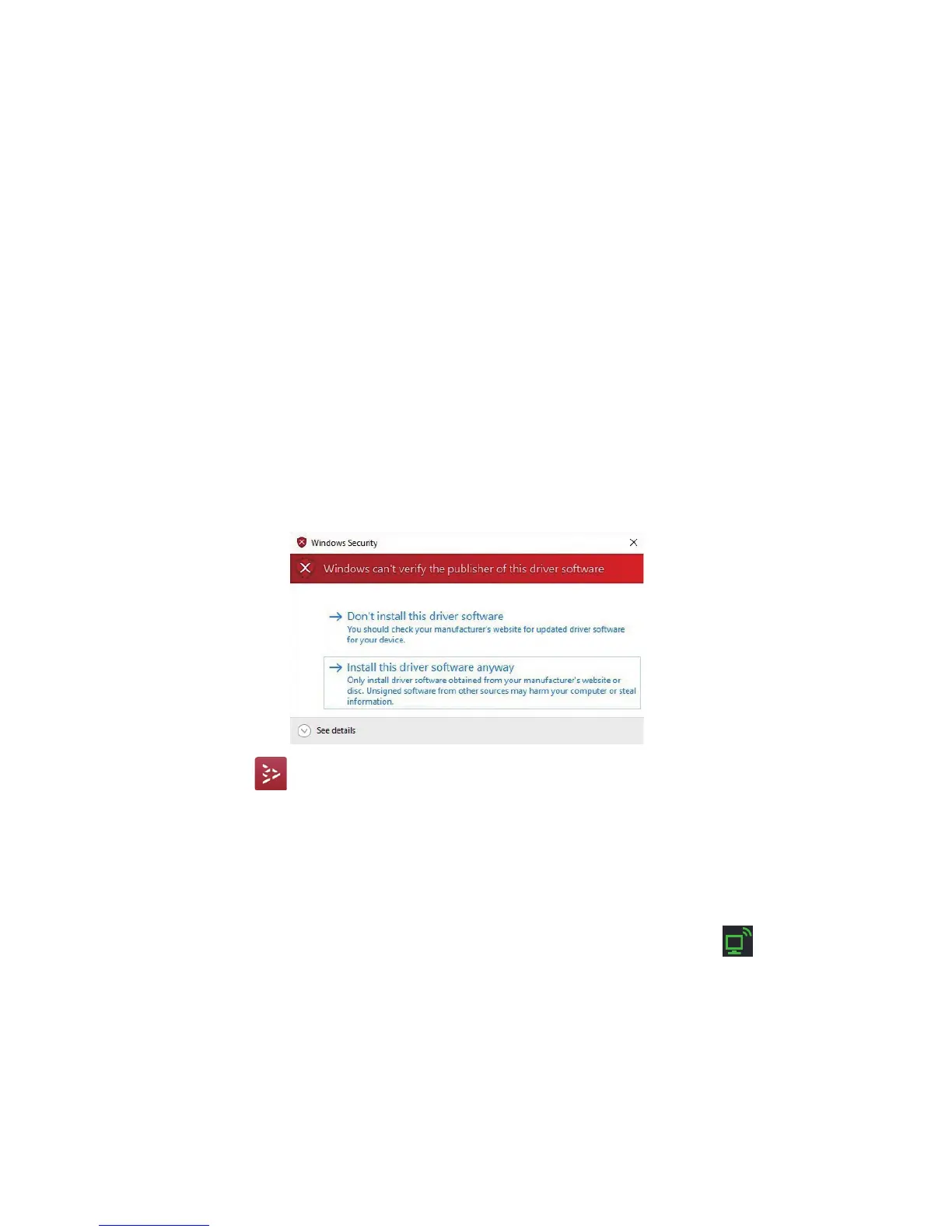
Notice: If following window pops up, please click the “Install this driver software anyway” button to continue.
3. Click the icon on the desktop to start PanoBuilder application.
3.2 Connecting Printer to PanoBuilder
Plug the printer cable from your printer to your computer, make sure the printer
is on, and run the PanoBuilder application. The application will search for your
printer automatically and connect to it. Once connected, the icon shows up
in the bottom right corner.


 To Next Page