16
10. Now you need to adjust the gap for the rst layer. Click the “Back” button
to continue. Please see details in the next section.
2.6 Adjust Gap
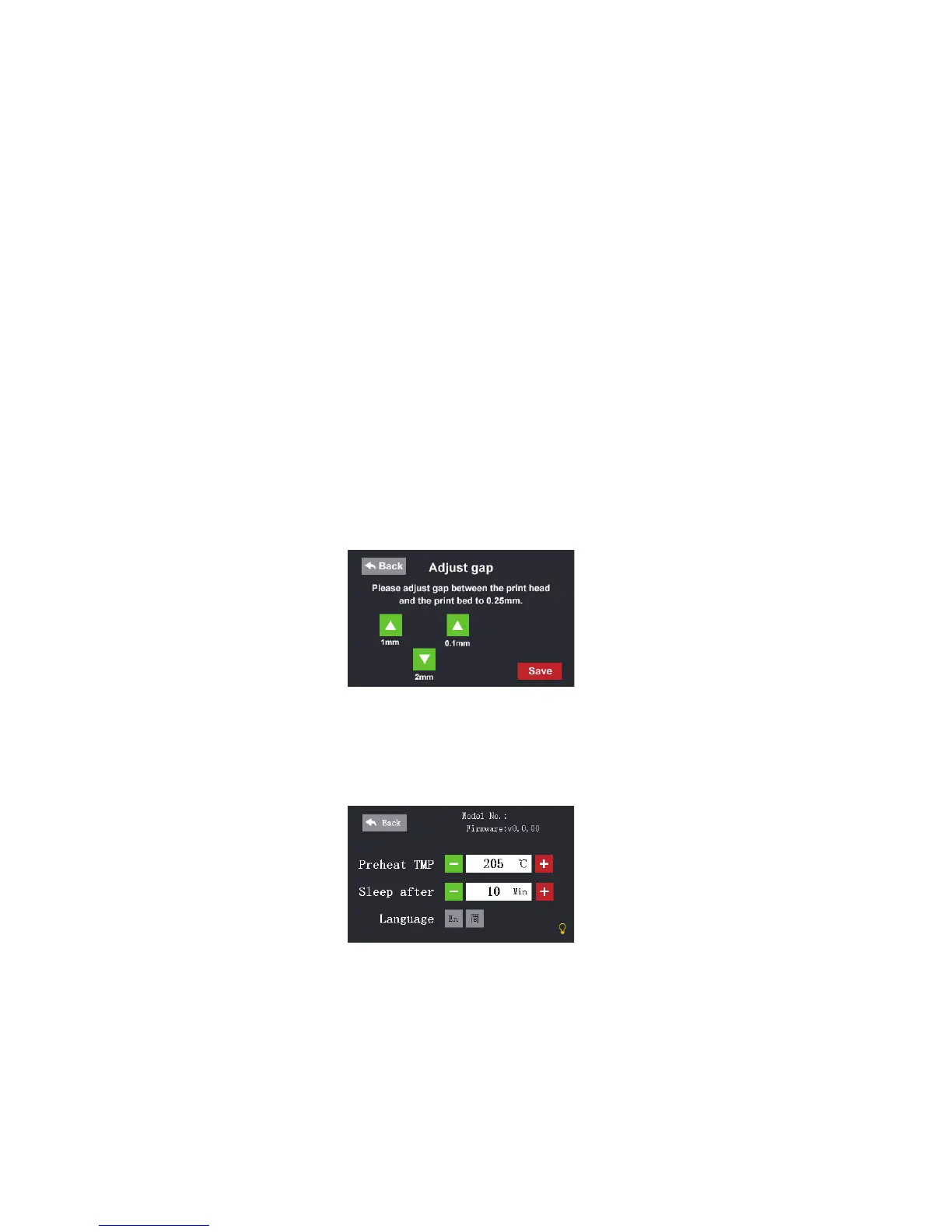
1. Click the “Adjust” button on the main menu on the touch screen, then click
the “Adjust gap” button.
2. The print bed will move up and the extruder moves to the center.
3. Click arrow buttons to adjust the gap between the print bed and the print
head. Fold a piece of print paper twice (about 0.4 mm thick), and insert it into the
gap. Find the proper gap where the paper will not be able to move any longer.
4. Click the “Save” button to nish.
2.7 Settings
Preheat TMP:
Setting up the preheat goal temperature. When you load


 To Next Page