19
If connection fails, try to connect manually: Go to the “Connection” tab on the
“Settings” page, choose proper serial port name and click “Connect” button.
Note: If other applications occupy the serial port, please close that application and try again.
3.3 Load Digital 3D Model Files into PanoBuilder
PanoBuilder is able to load 3MF, STL, PLY format digital 3D model les.
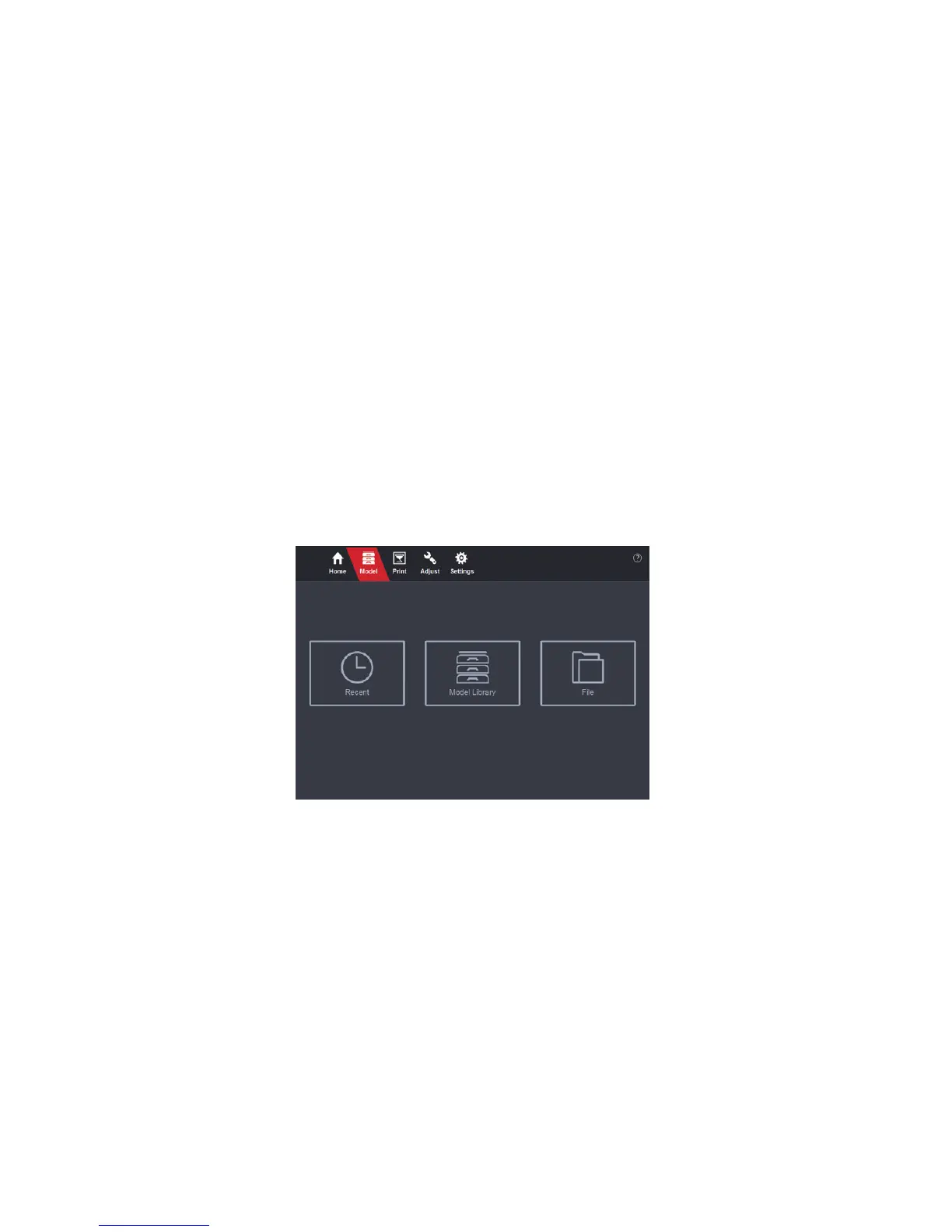
Run PanoBuilder, go to the “Model” page. There are three options: open recent
les, pick models from model library and open local les.


 To Next Page