13
II. Learning To Use The Touch Screen
On the touch screen, you can install / uninstall lament, and print a few pre-
installed models.
2.1 Preheat
This is useful for preparation for demonstration or cleaning the print head.
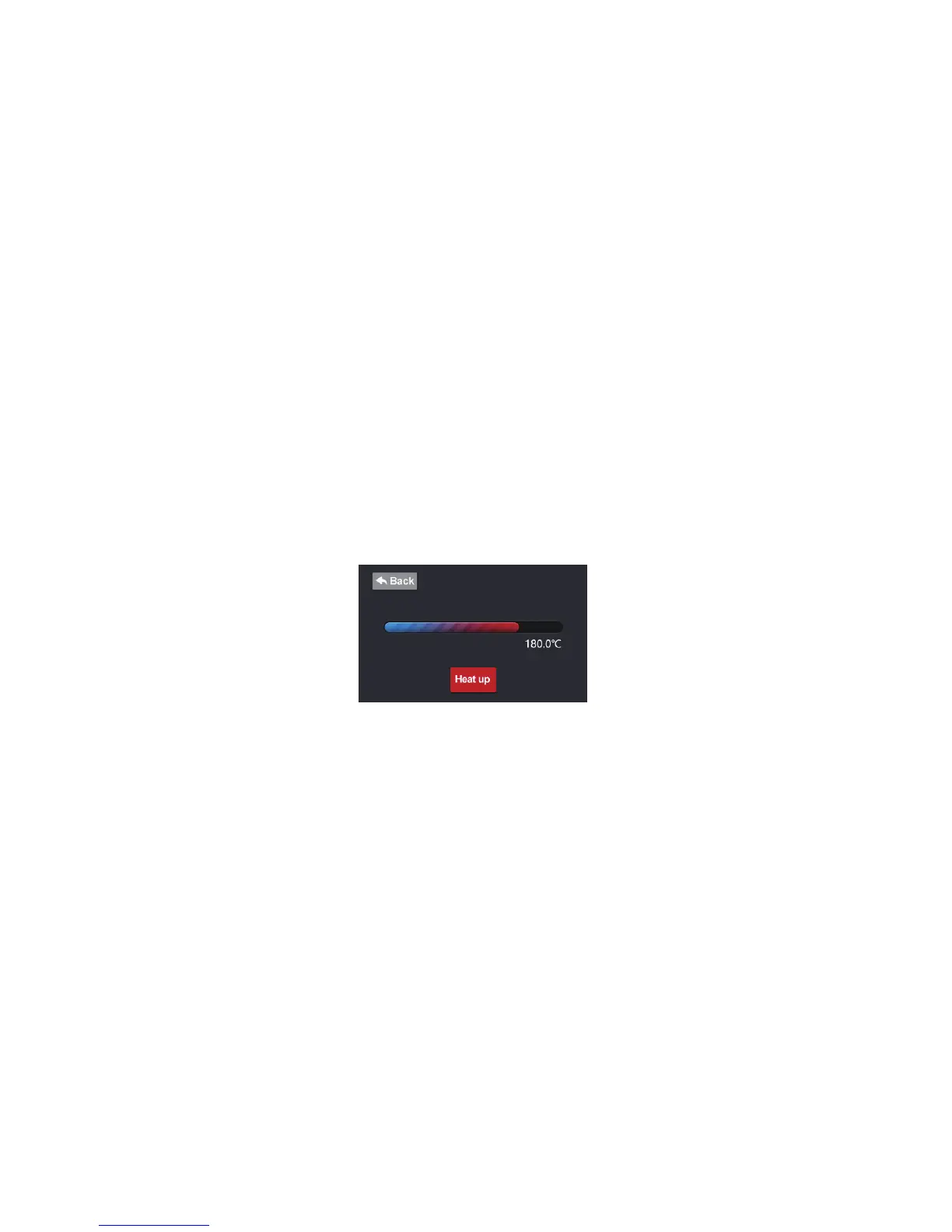
Click the “Preheat” button on the main menu on the touch screen. Toggle the
button to heat up / cool down the print head. The goal temperature can be set
up on the settings page.
2.2 Print 3D Models
See section 1.8
2.3 Load Filament
See section 1.7
2.4 Unload Filament
1. Click the “Adjust” button on the main menu on the touch screen, then click


 To Next Page