25
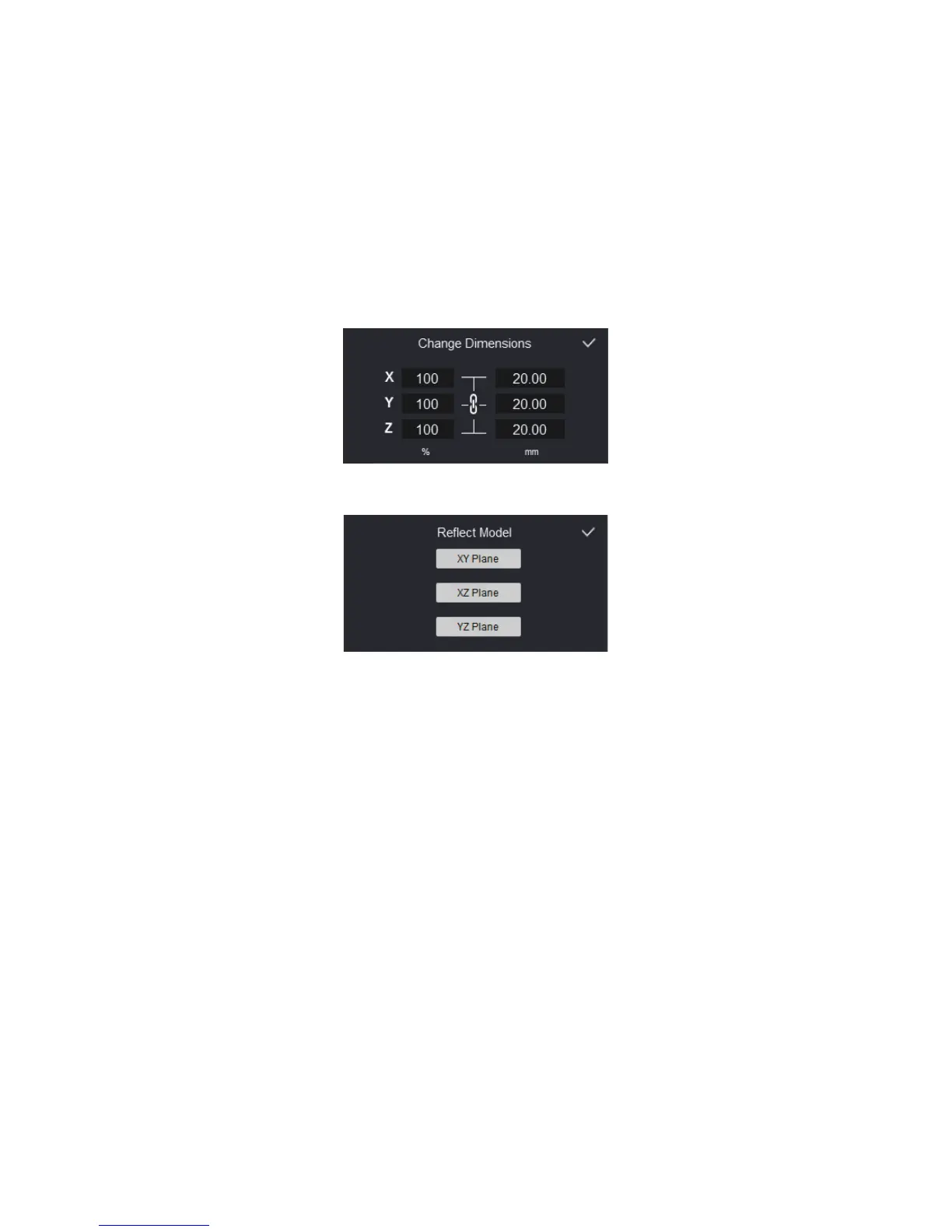
Scale selected models:
Enlarge or shrink the selected model. Left column
scales the model by percentage. Right column sets the model to the designated
dimensions.
Copy selected models:
Make a copy of the selected model.
Reflect selected models:
Ref lect the selected model to a plane.
Revert surface direction:
Make surface towards outside or inside.
Remove selected models:
Remove the selected model from the print volume.
On the left hand side of the window, there is an additional tool bar:
Add models:
Add new models to the print volume.
Save models:
Save all the models on the print volume to a single le. This is
useful to keep all editing for later print.
Clear all models:
Remove all the models from the print volume.
Undo:
Undo recent operations. Up to 10 steps of operations can be undone.
Redo:
Redo operations have been undone.


 To Next Page