10
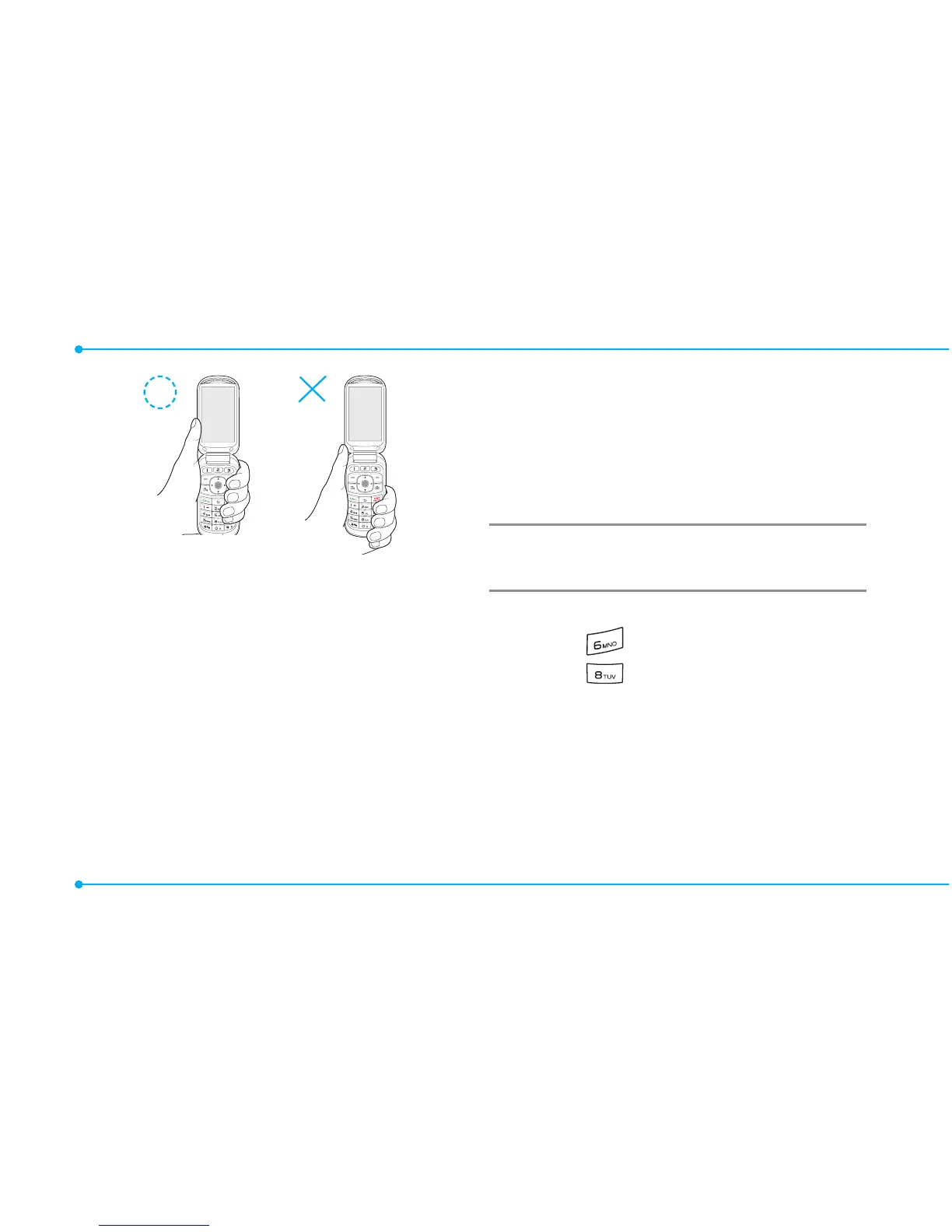
note: The phone has integrated
advancednoisesuppressiontechnology.
Toensurevoicequality,pleasedonot
covermicrophoneentriesasindicated.
Using Shortcuts
Numbered menu items, such as
menus,sub-menus,andoptions
canbequicklyaccessedby
using their shortcut numbers.
In Menu mode, Main Menus
can be accessed by pressing
thenumberkeys(1to#)
corresponding to their location
on the screen.
Example:
Accessingthe
Phone
Mode
menu.
1.SelectMenu.
2. Press for Settings.
3.Press for Phone Mode.
4.PresstheU/D scroll key to
select the mode.
note:Thestepsmayvarybymodeand
thismanualprovidesinstructionsfor
both Breeze Mode and Advanced Mode
respectively.



 To Next Page