01
02
03
06
01
02
03
04
05
06
07
04
04
06
05
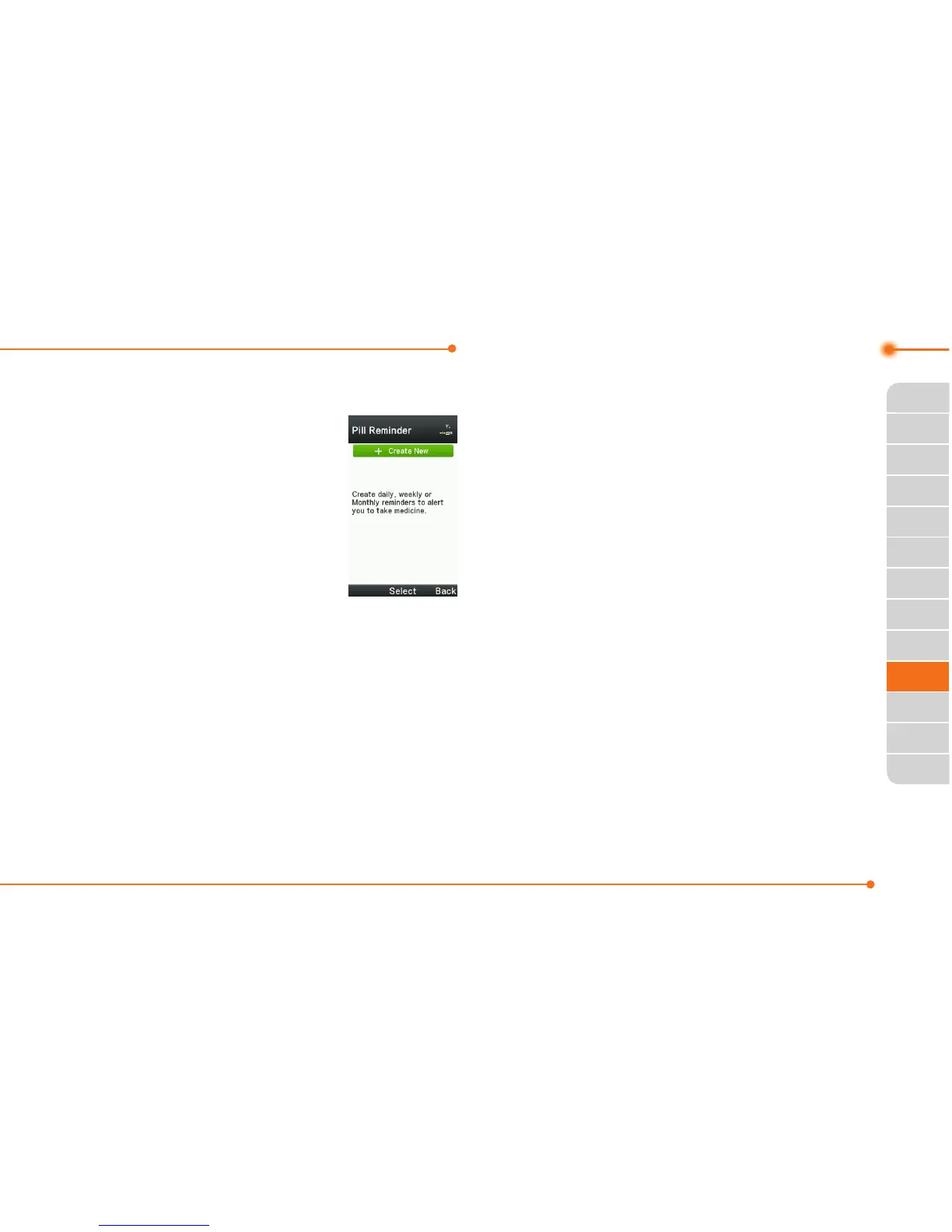
Pill Reminder
PillRemindersets
your schedule to
take pill, and alarm
pop-upwillappear
on the setting time.
You can select to
accept the reminder
orhavethereminderpop-up
againafter15minutes.
Creating a new pill reminder
1.SelectMenu > Tools > Pill
Reminder > Create New.
2.SelectTake and then, take a
picture.
For details on taking picture, see
page127.
3.InputName and Dosage.
4.SelectTime > Create.
5.SelectCreate>Setadesired
time > OK > Back.
6.SelectPeriod > Begins > Select.
7.Setthebeginningdateofthe
dosage on the calendar.
8. SelectReminders and set the
reminding period.
9. SelectDaily, Every 2 days,
or Monthly
.Whenselecting
Every 2 days, you can set
desired days for period.
10. Entermoreinformation.
11. SelectSave.



 To Next Page