24
Assigning the menu
You can set the most commonly
used menu item in GoTo in
standby mode.
1.SelectGoTo in standby mode
> (Unassigned).
2.SelectAdd.
3.Selectthemenuitemandsub
menu item.
4.SelectSave.
Entering text
Youcanentertextwithmulti-tap,
predictive,numericorsymbol.
Useful keys
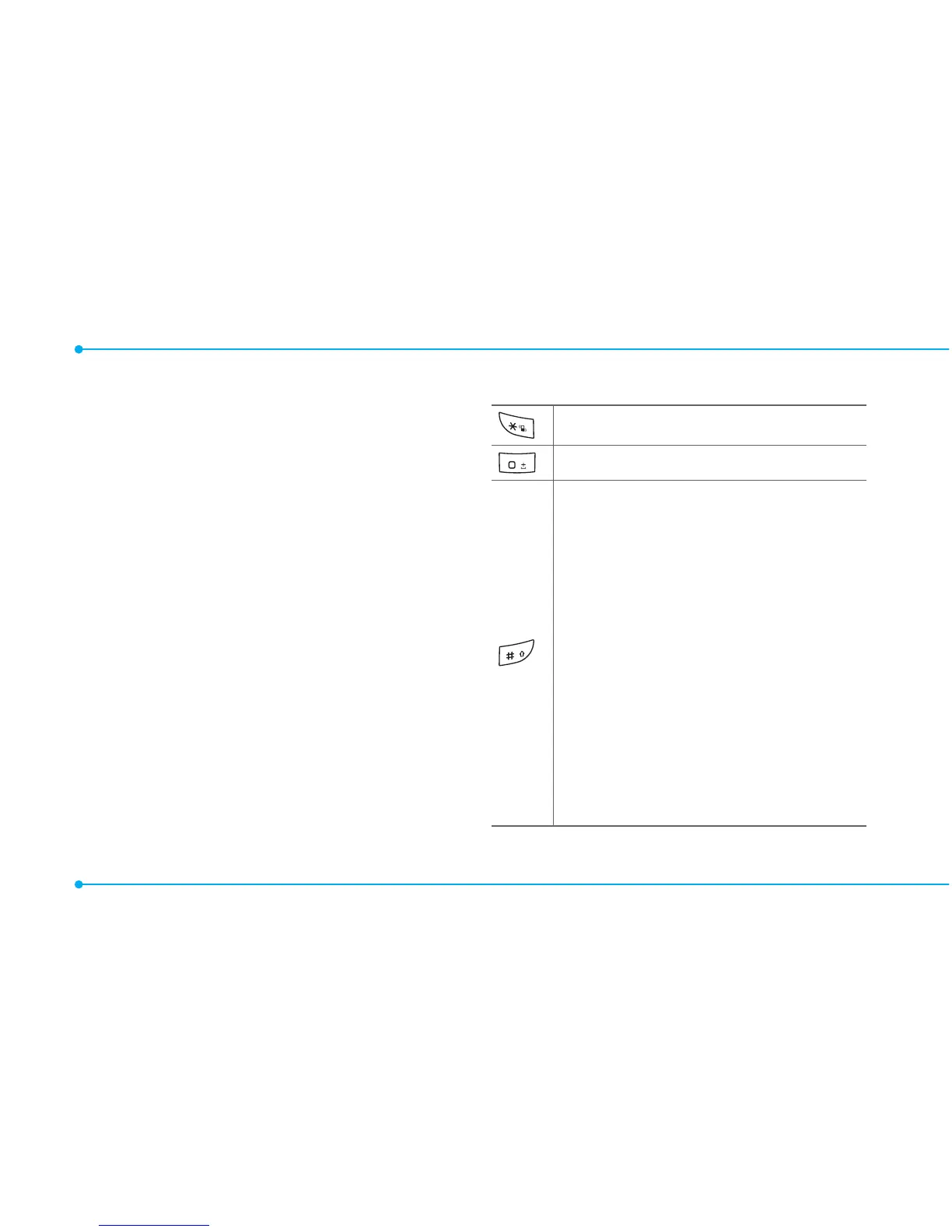
Displaysymbols.
Addingaspace.
Press to toggle from initial caps
to all caps, to lower case, or to
numeric entries.
Press to change the text entry
functionsfromABCmodeto
predictivemode,ornumber
mode.
ABC Mode dbc (lower
case/initialcaps/allcaps)
Predictive Mode gef
(lowercase/initialcaps/all
caps)
Number Mode a



 To Next Page