EasyManua.ls Logo

Pantech Breeze IV - Calculator; Tip Calculator

Pantech Breeze IV
210 pages
Print Icon
To Next Page IconTo Next Page
To Previous Page IconTo Previous Page
Loading...
Advanced Mode - Useful features
153
152
01
02
03
06
01
02
03
04
05
06
07
04
04
06
05
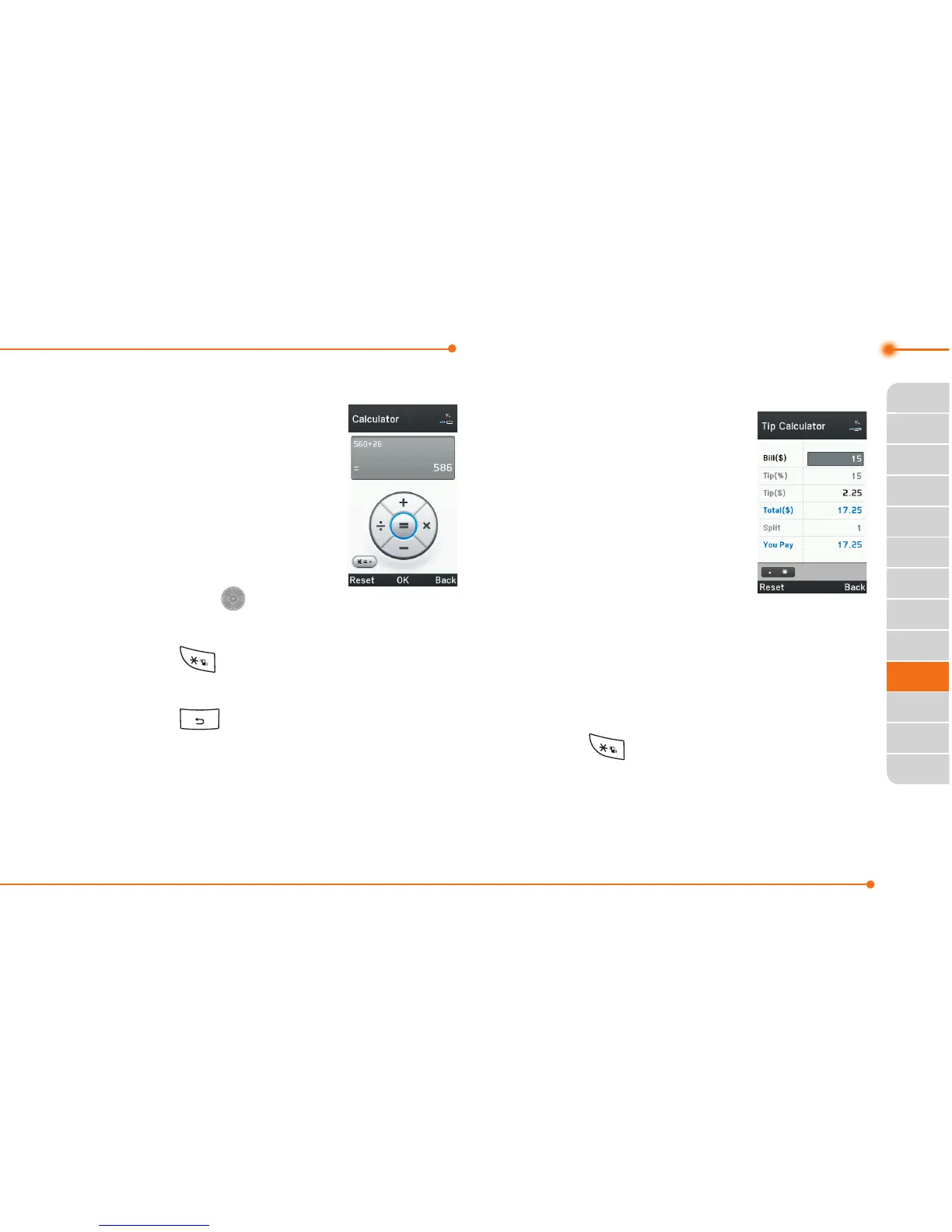
Calculator
1.SelectMenu > Tools
> Calculator.
2. Input the numbers
with the numeric
keypad and enter
the operators with
L/R/U/D/
to
calculate.
3.Press to use the decimal
point.
4.Press to cancel your input.
5.SelectReset to reset.
Tip calculator
1.SelectMenu >
Tools > Tip
Calculator.
2.Enterthevaluesfor
allthevariableelds
(Bill($), Tip(%),
Split
)andthenthe
corresponding calculation
elds(Tip($), Total($),
You Pay
)areupdated
automatically.
3.Press to use the decimal
point.
4.SelectReset to reset.

Table of Contents

Related product manuals