136
5.SelectDeselect to cancel
your selection.
6.SelectOptions > Copy or
Move.
7.PressL/R to select Phone or
Memory
.AndSelectdesired
folder > Here.
note: Memory appears only when an
external memory card is inserted.
Sending sound file using
multimedia message
1.SelectMenu > My Stuff >
Audio.
2.Selectasoundle.
3.SelectOptions > Send > as
Multimedia Message.
Music player
The Music Player is an application
thatcanplayMP3andaudioles.
Thesupportedleformatsare
MIDI,i-Melody,MP3,AMR,WAV,
AAC,AAC+,WMA.
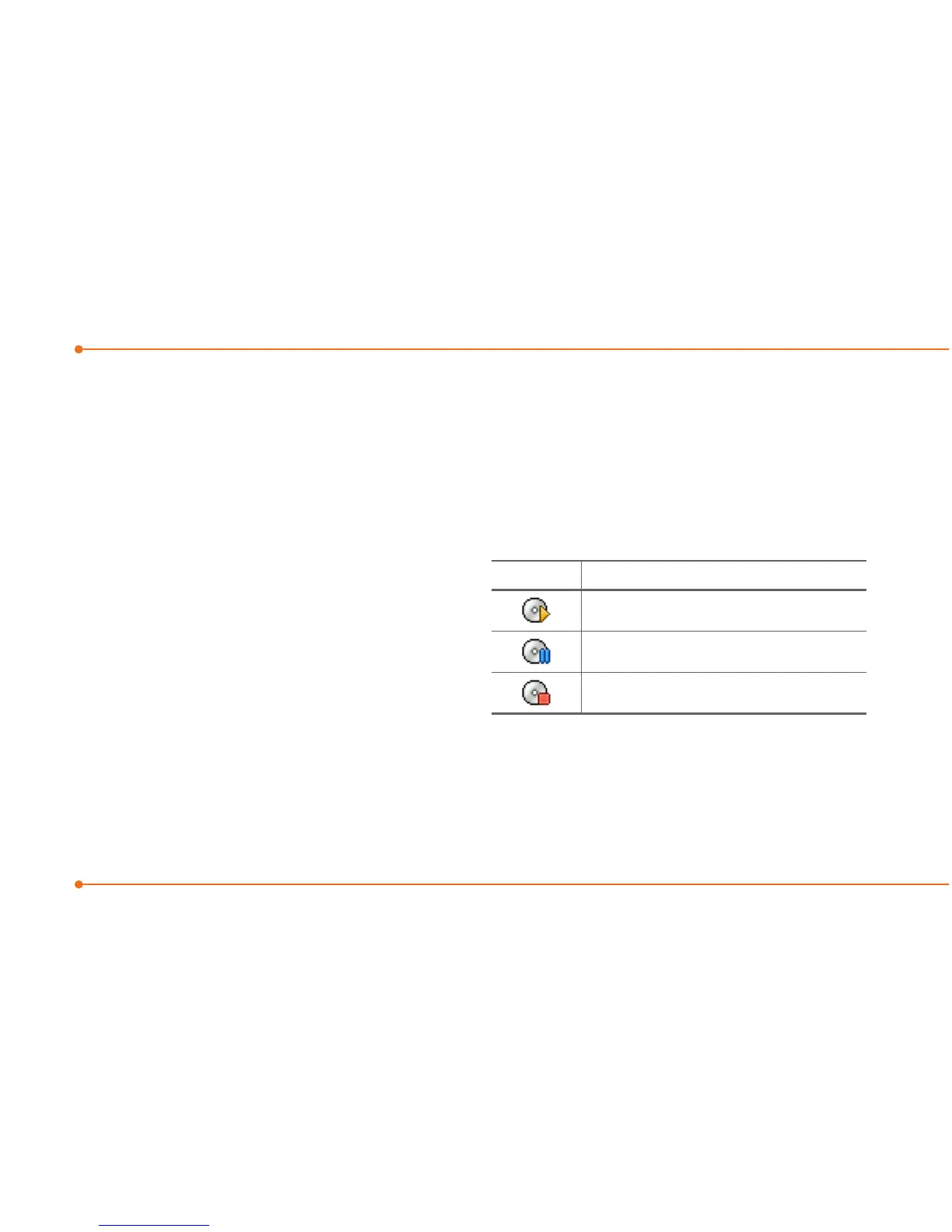
Icon Descriptions
Music is playing.
Music is paused.
Music is stopped.
note:AmicroSDcardmustbeinserted
to transfer music to your phone.



 To Next Page