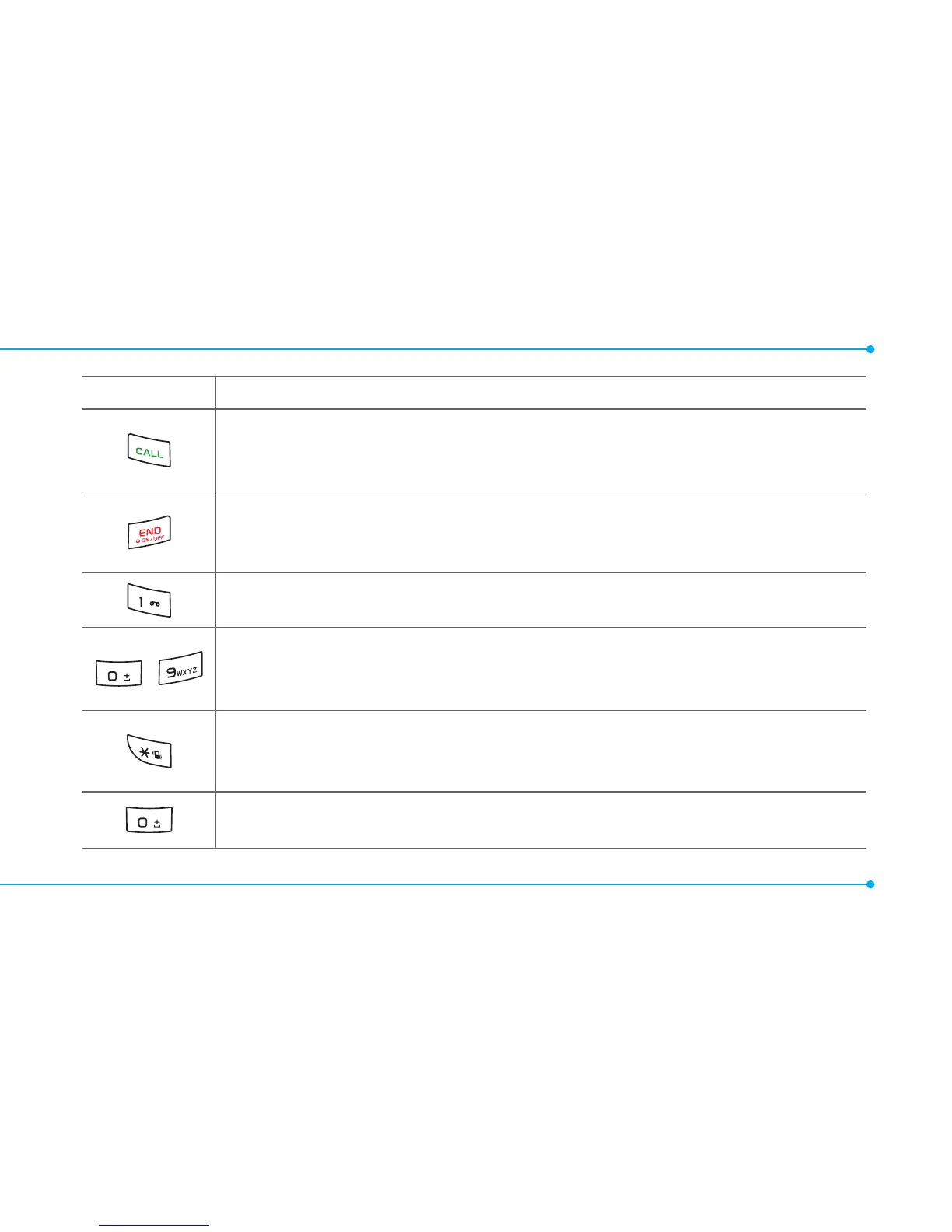
Keys Functions
Makeorreceiveacall.Showtherecentcalllistinstandbymode.
Re-dialthelastcallnumberifpressedandheldinstandby
mode.
Completethecurrentcall.Turnon/offthephoneifpressed
and held. Cancel user input and return to standby mode while
in Menu mode.
Quicklyconnecttothevoicemailserverifpressedand
held in standby mode.
~
Enter numbers, letters or special characters. Go to the dial
screen if pressed in standby mode.
Assignthenumberasaspeeddialwhenitispressedandheld.
Enterorexitfromvibratemodeifpressedandheldinstandby
mode.Showthesymbolinputscreenifpressed in text input
mode.
Enterthe+signprexforinternationaldialingifpressedandheld.
Enter the space character in text input mode.



 To Next Page