16
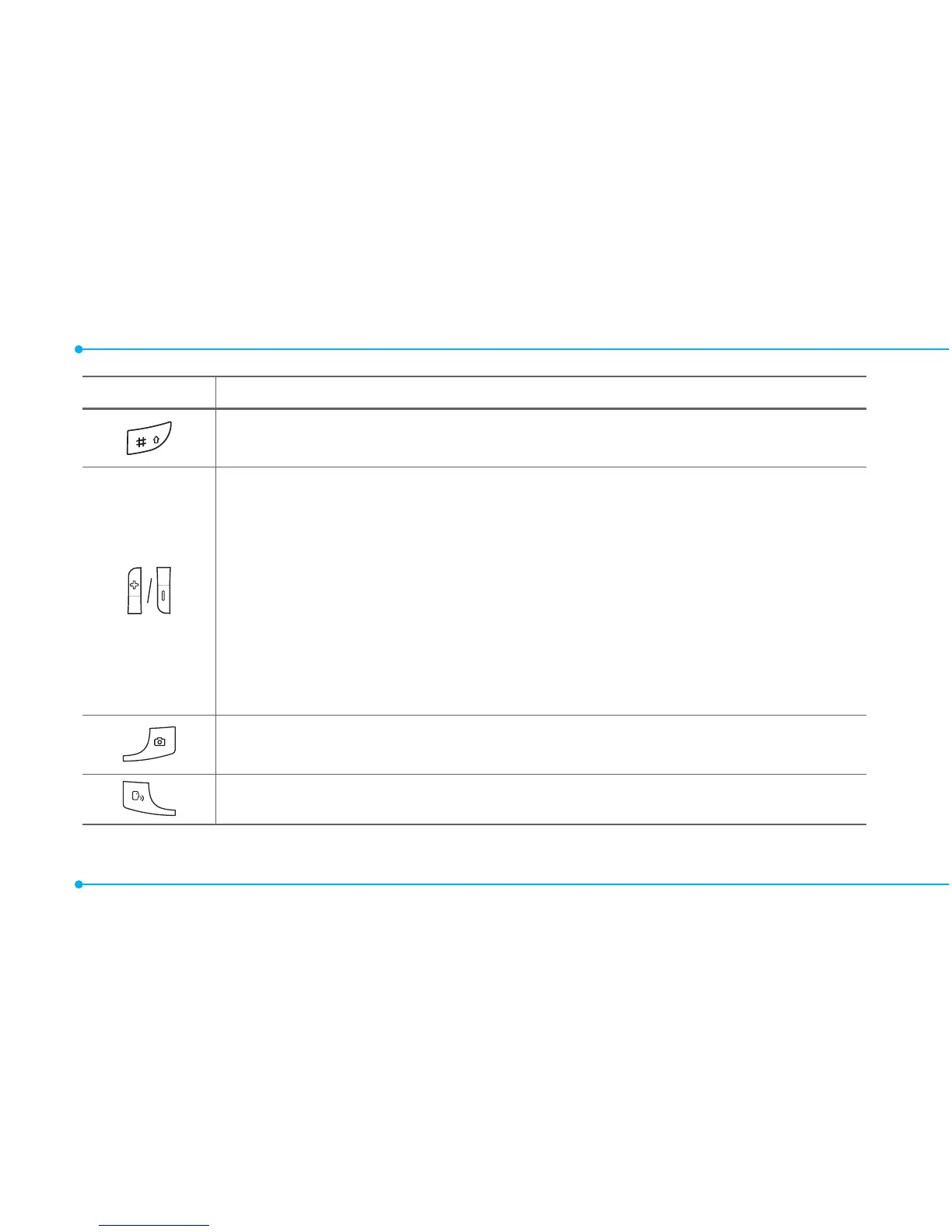
Keys Functions
Changevarioustextinputmodesifpressed atthetext-editing
screen.
Adjusttheearpiecevolumewhilemakingacall.
ControltheRingtonevolume,vibratemodeandsilentallmode
in standby.
Mutetheringtoneoftheincomingcallifthevolumeupkeyis
pressed.
Rejecttheincomingcallifthevolumedownkeyispressedand
heldwhenyoureceiveanincomingcall.
LaunchtheMultitaskingbypressingandholdingthevolume
up key.
Turn camera capture mode on.
Workasacamerashutterincapturemode.
Turn the Voice Commands on.



 To Next Page