14
Quick & Easy
Keys Functions
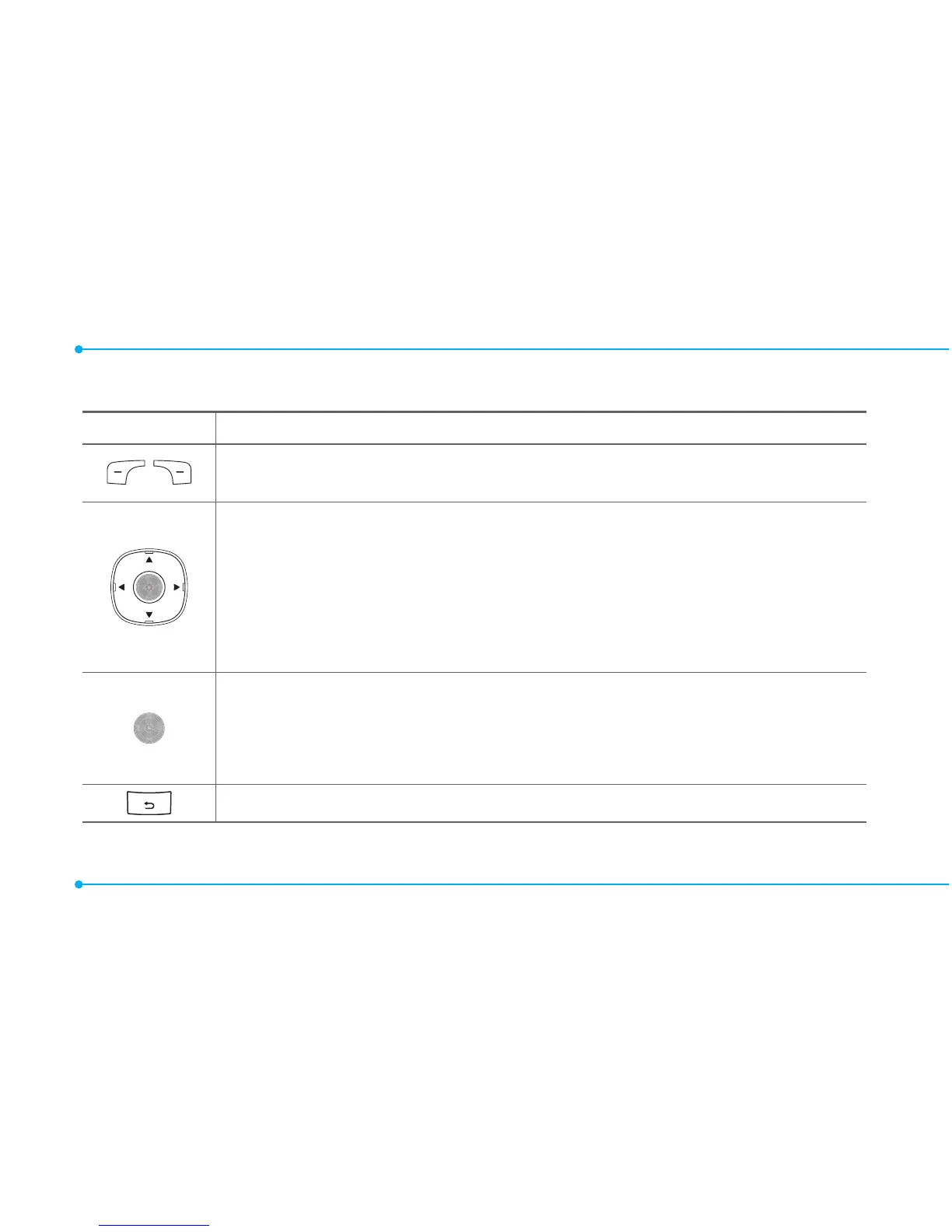
Perform the functions shown at the bottom line of the display
by using these soft keys.
ScrollthroughthemenuoptionsinMenumode.Instandby
mode,
LeftScroll:AccessMy Stuff menu
RightScroll:AccessCalendar menu
UpScroll:AccessCreate Message menu
DownScroll:AccessContacts menu
Selectamenufunctionorstoreuser-inputinformation,such
asnames.Alsousethiskeyforconrmation.
LaunchtheBrowser menu directly if pressed in standby
mode.
Deletecharactersintextmode,orreturntopreviousmenu.



 To Next Page