20
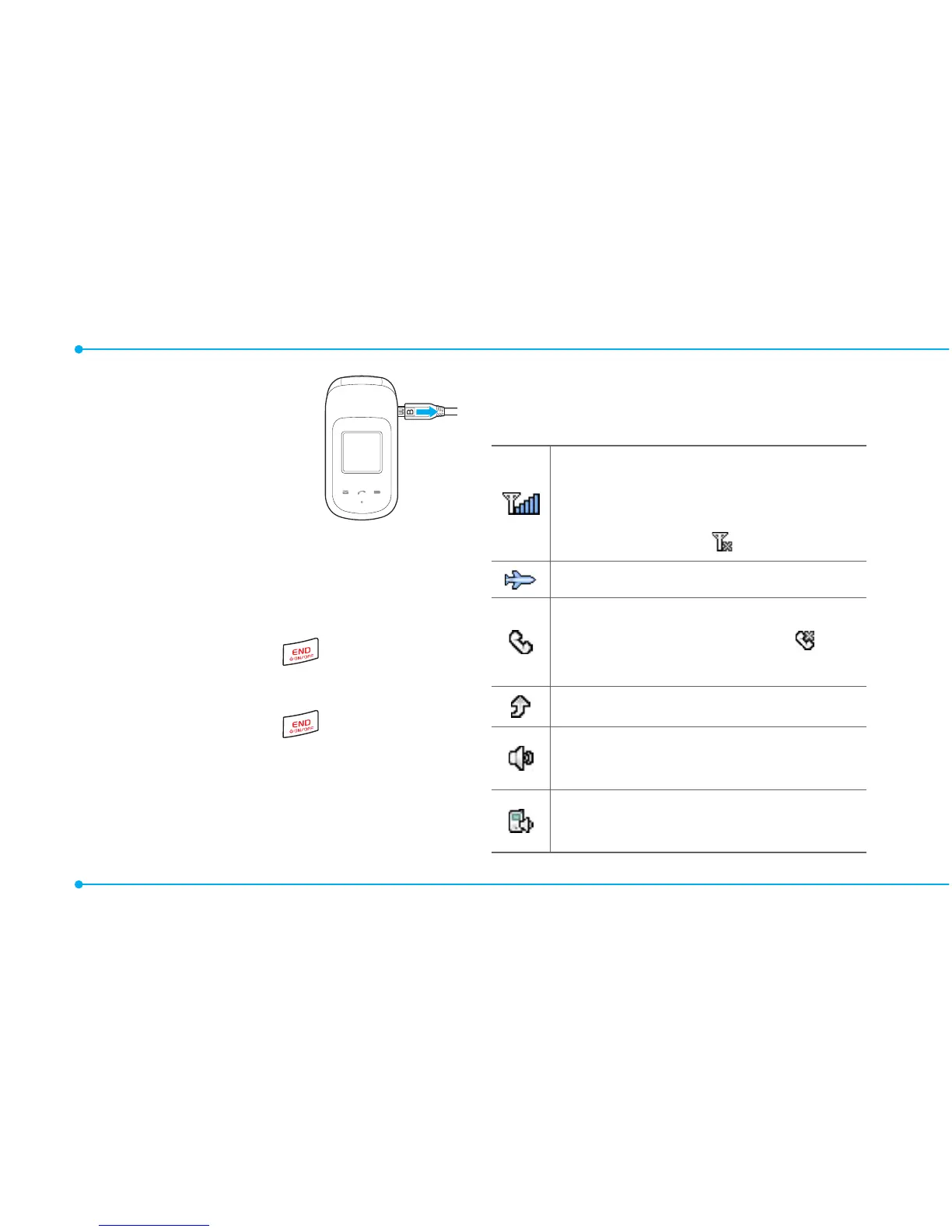
2.Toremove
the adapter
connecting, pull
the adapter
away as shown
right.
Turning the phone on/off
To turn on
1.Pressandhold .
To turn off
1.Pressandhold .
Essential display
indications
Signalstrength.Thegreaterthe
number of bars, the stronger
thesignal.Whennetworkisin
searching mode is displayed.
Flightmodeisactive.
Acallisbeingmade.When
youareinnoservicearea, is
displayed.
Call forwarding
NS
isactive.
Incoming calls set to ring only
(Normal).
Incoming calls set to Vibrate
and Ring.



 To Next Page