Setting the phone mode
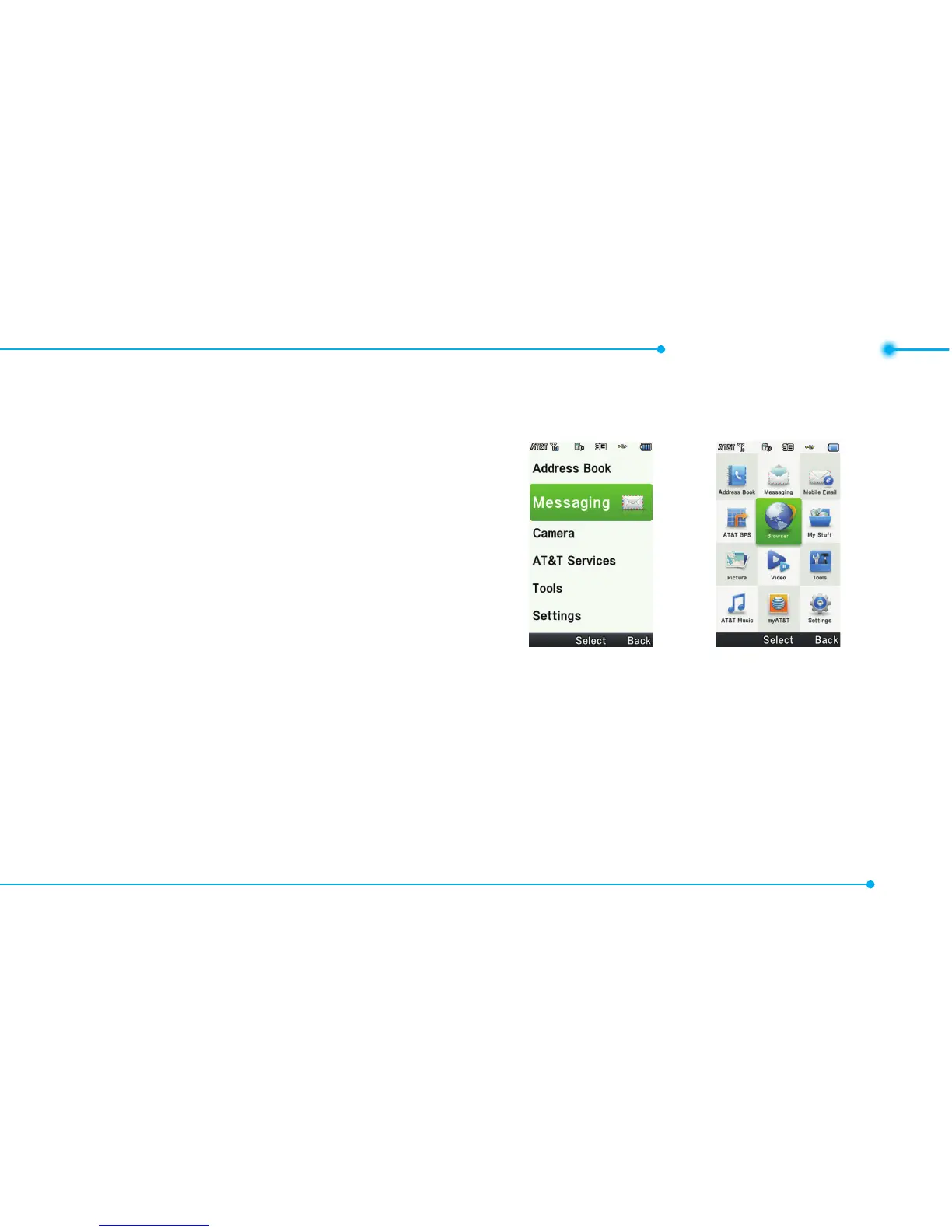
Your phone has two customized
modes,BreezeandAdvanced.
The default is set to Breeze mode
whichprovidesEZaccesstothe
functionsusedmostfrequently.
IntheBreezemode,youcanview
anabbreviatedmenu:Address
Book, Messaging, Camera, AT&T
Services, Tools and Settings. The
Advanced Mode allows access to
all menu items.
Breeze Mode
Advanced
Mode
To change the phone mode
1.SelectMenu > Settings >
Phone Mode.
2.SelectBreeze Mode or
Advanced Mode.



 To Next Page