148
InAdvancedMode,youcan
utilize all useful features that
BreezeIVprovides.
Magnifier
Magnierhelpsto
capture a more
detailed scene by
zooming in on the
screen.
Current Display Capture
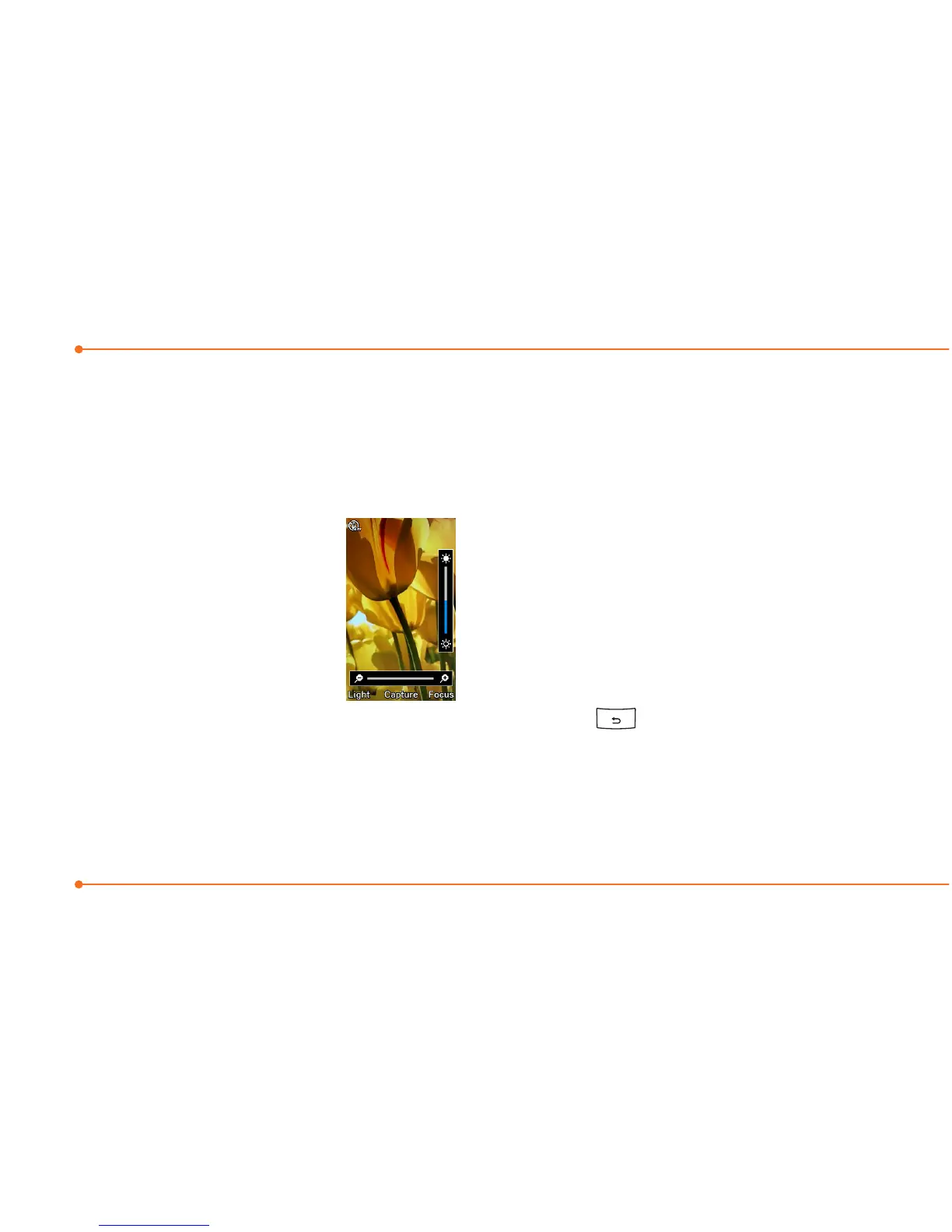
1.SelectMenu > Tools >
Magnifier.
2. Focus on the object and press
Focus.
3.Zoominandoutbypressing
L/R.
4.Increaseordecreasethe
brightness by pressing U/D.
5.PressCapture.
6.Togobacktopreviouspage,
select .
Note: You can access captured images
by pressing Menu >
MyStuff > Picture.



 To Next Page