154
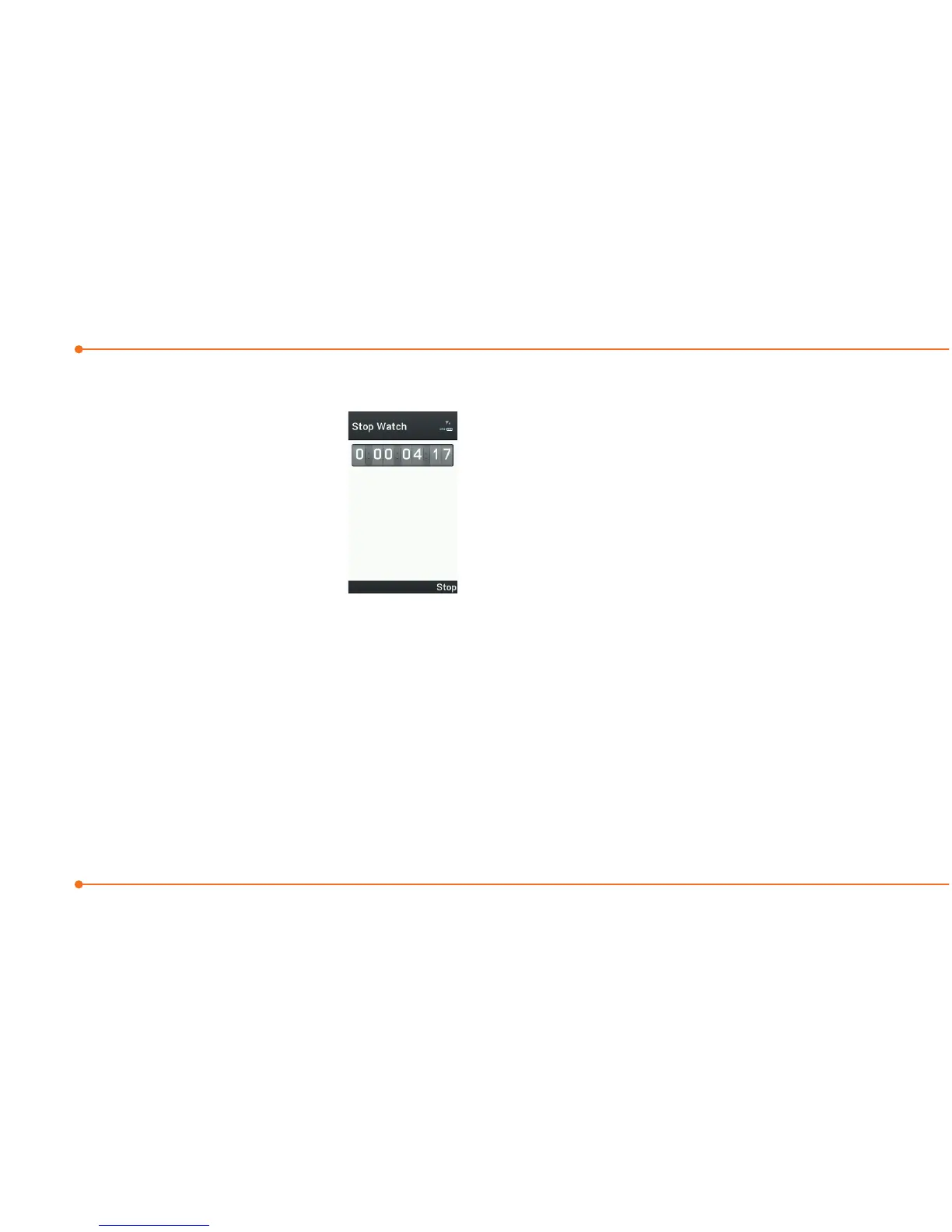
Stop watch
1.SelectMenu >
Tools > Stop
Watch.
2.SelectStart to
start.
3.SelectStop to stop.
4.SelectContinue to
restart or select Reset to clear.
5.Tochecksplittimes,select
Mode > Split Time Mode.
6.Tochecklaptimes,select
Mode > Lap Time Mode.
note: In Basic Mode, when you exit the
stop watch menu, or become idle, the
stop watch will continue running and
will be indicated by a clock icon. You can
accessthestopwatchbyre-entering
the stop watch menu.
Notepad and voice
memo
Using a notepad
1.SelectMenu > Tools >
Notepad.
2.SelectCreate New.
3.Enternewmemoandselect
Save.
4.Toeditasavedmemo,select
the memo and select Edit.
5.Toplaceanoteonwallpaper,
select a note and select



 To Next Page