01
02
03
06
01
02
03
04
05
06
07
04
04
06
05
Options > Place on
Wallpaper.
6.Ifyouwantremovethenote
from wallpaper, select the
note and select Options >
Remove from Wallpaper.
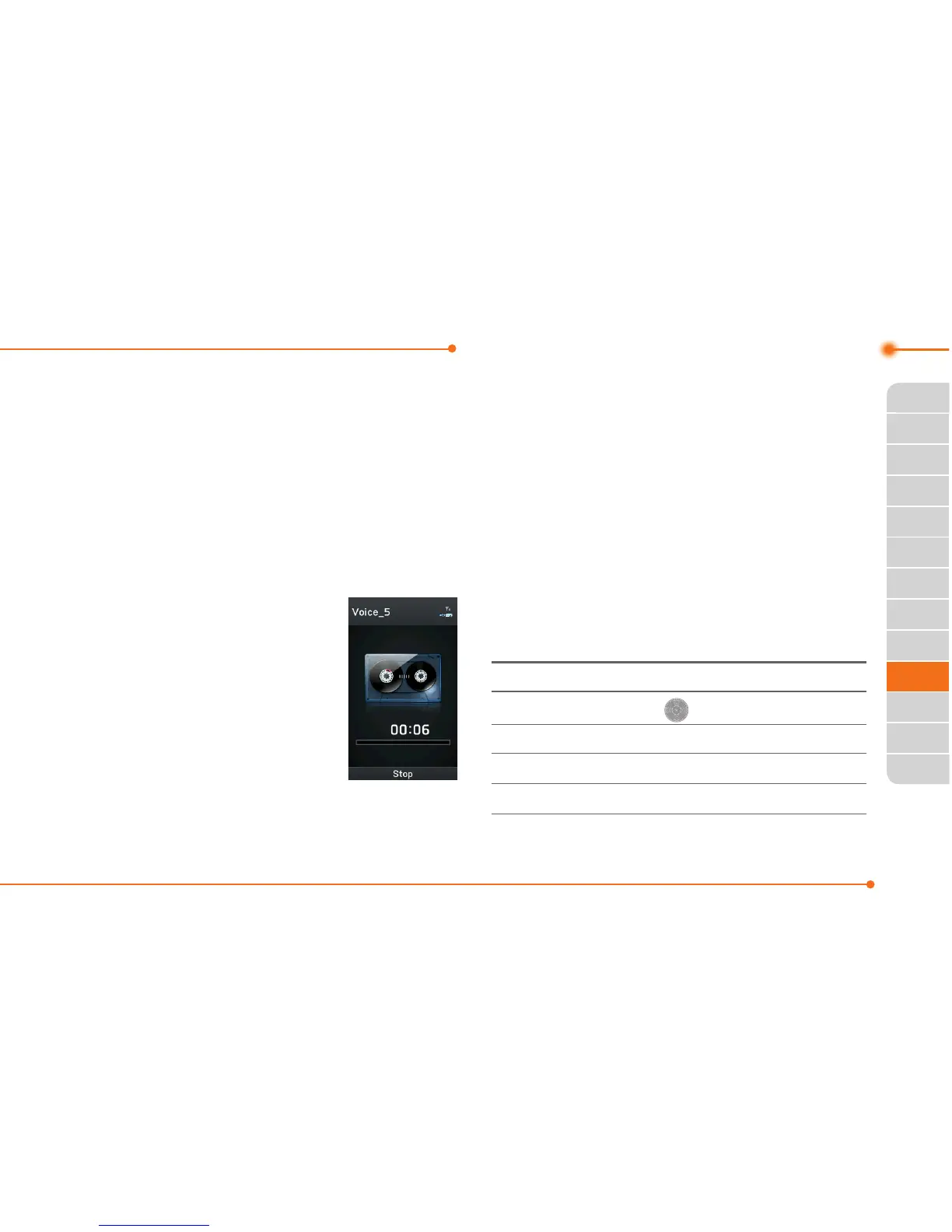
Recording a voice memo
1.SelectMenu >
Tools > Voice
Memo.
2.SelectNew
Record.
3.SelectRecord.
4.SelectStop to stop
recording.ItissavedinMy
Voice automatically.
5.SelectPlaytolistenthevoice
memo.
Listening the recorded
sound
1.SelectMenu > My Stuff.
2.SelectAudio > My Voice or
select Tools > Voice Memo.
3.Selectarecordedmemoand
select Play.
To Press
Play/Pause
Stop Options > Stop
Rewind
LongpressL
Fast forward
LongpressR



 To Next Page