138
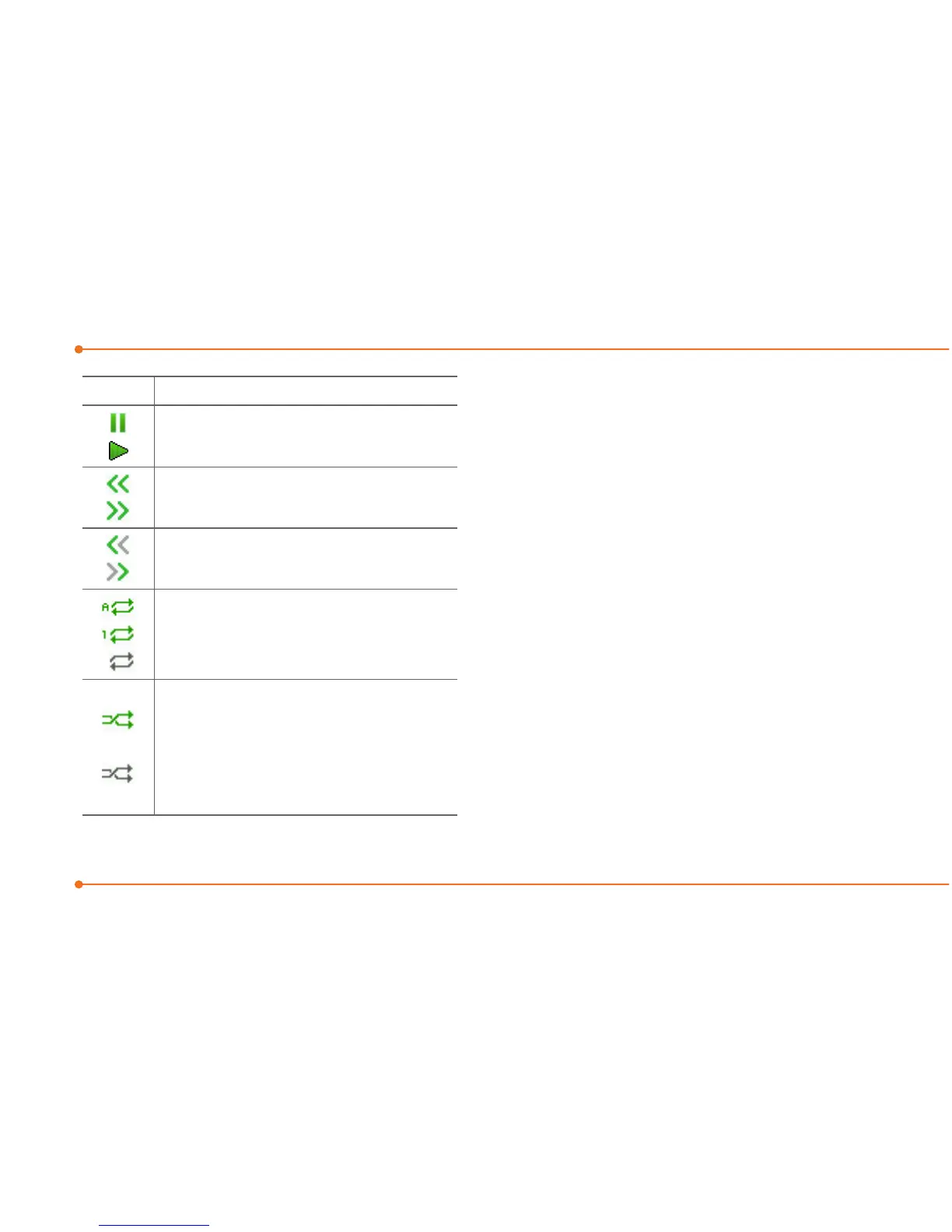
Icon Descriptions
Pause
Play
RewindwithlongpressL
Fast Forward with long press R
Previoustrackwithshortpress
L
Next track with short press R
Repeatalltracks
Repeatsingletrack
Repeatoff
ShufeOn:thecurrentlistof
songsarerandomlyshufed
for playback
ShufeOff:songsareplayedin
orderandnotshufed
Making a playlist
1.SelectMenu > AT&T Music >
Music Player.
2.SelectPlaylists > New Playlist.
3.InputPlaylistNameandselect
Save.
4.SelectAll Music, Albums,
Artists or Genres.
5.Selectamusicle(s)and
select Select to add to the
playlist.
6.SelectDone.



 To Next Page