72
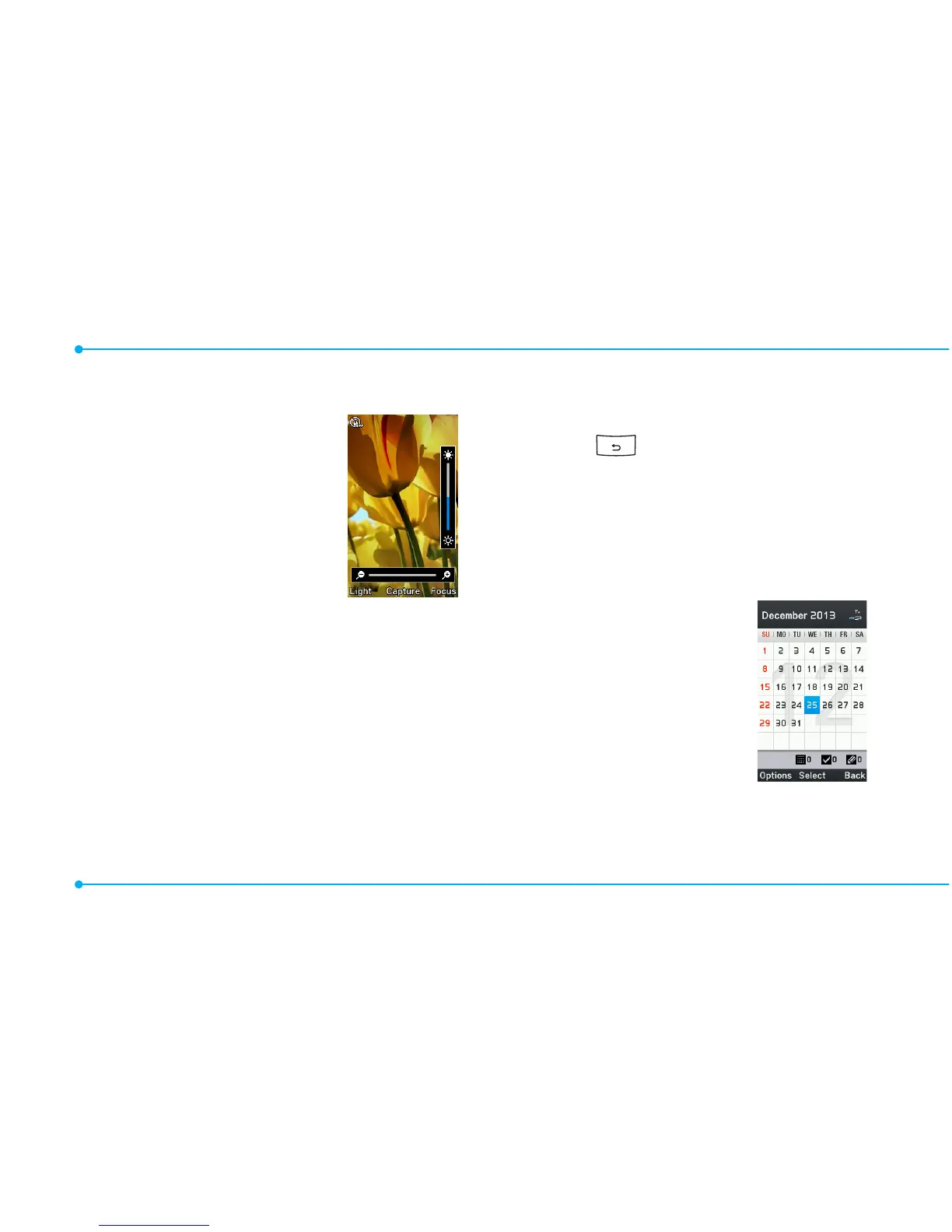
Magnifier
Magnierhelpsto
capture a more
detailed scene by
zooming in on the
screen.
Current Display
Capture
1.SelectMenu > Tools >
Magnifier.
2. Focus on the object and press
Focus.
3.Zoominandoutbypressing
L/R.
4.Increaseordecreasethe
brightness by pressing U/D.
5.PressCapture.
6.Togobacktopreviouspage,
select .
note:Youcanaccesscapturedimages
by pressing Menu > Camera > My
Pictures.
Calendar
Calendar helps you
manage your
schedule including
your time for calls or
special days. You can
set a reminder on
anygivendatewith
this function.



 To Next Page