76
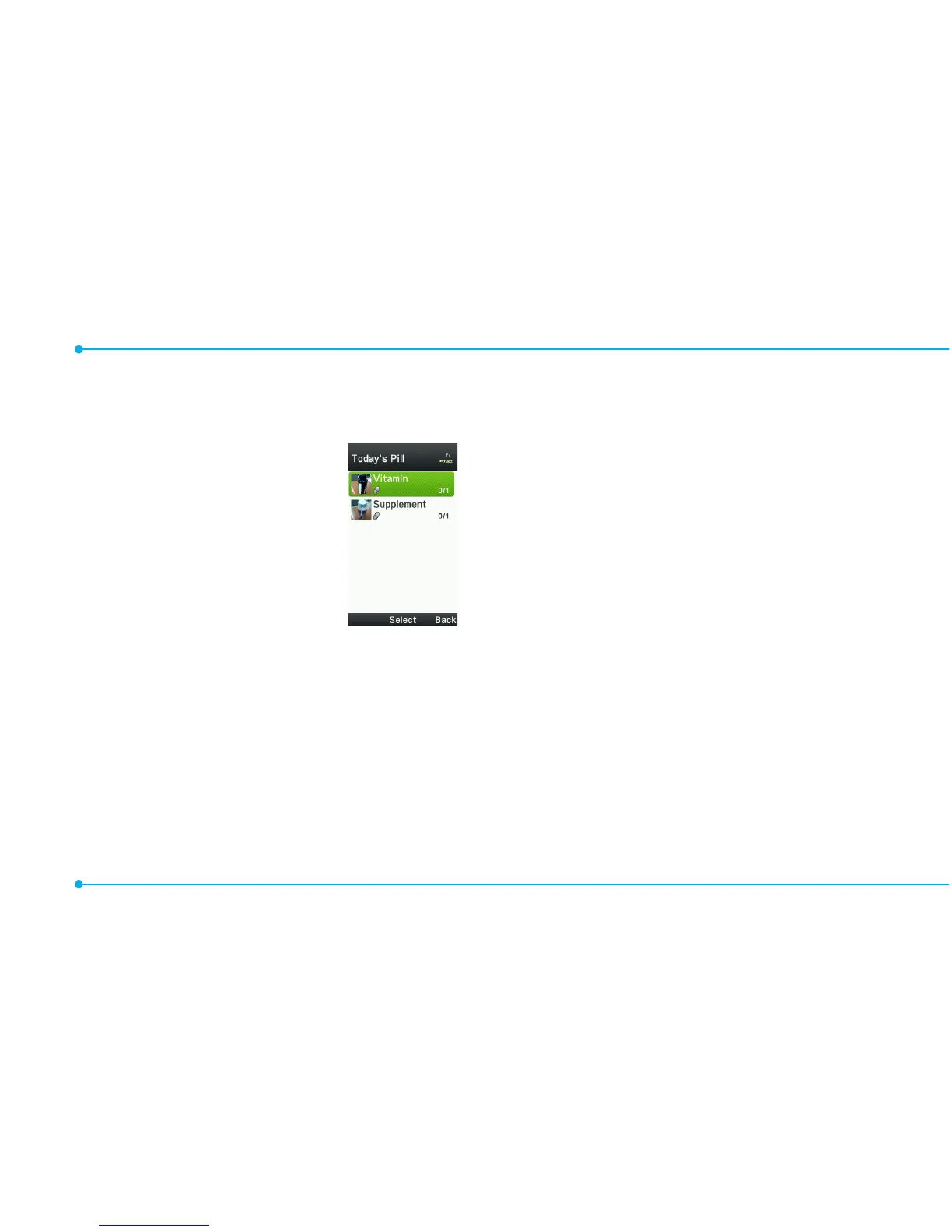
Checking Today's Pill
Reminder
1.
SelectMenu > Tools
> Pill Reminder >
Options > Today's
Pill.
2.Scrollandselecta
pill reminder item
to check the detail.
Editing a pill reminder
1.SelectMenu > Tools > Pill
Reminder.
2.Selectapillreminder > Select
> Edit.
3.EditName, Dosage, Time,
Period or More Information.
4.SelectSave.
Deleting reminders
1.SelectMenu > Tools > Pill
Reminder.
2.Selectapillreminder>
Options > Delete or Delete All
> Yes.
User Guide
User Guide helps users to learn
how to use the phone easily in
itself.
1.SelectMenu > Tools > User
Guide.
2.Selectafunctiontocheckin
detail.



 To Next Page