78
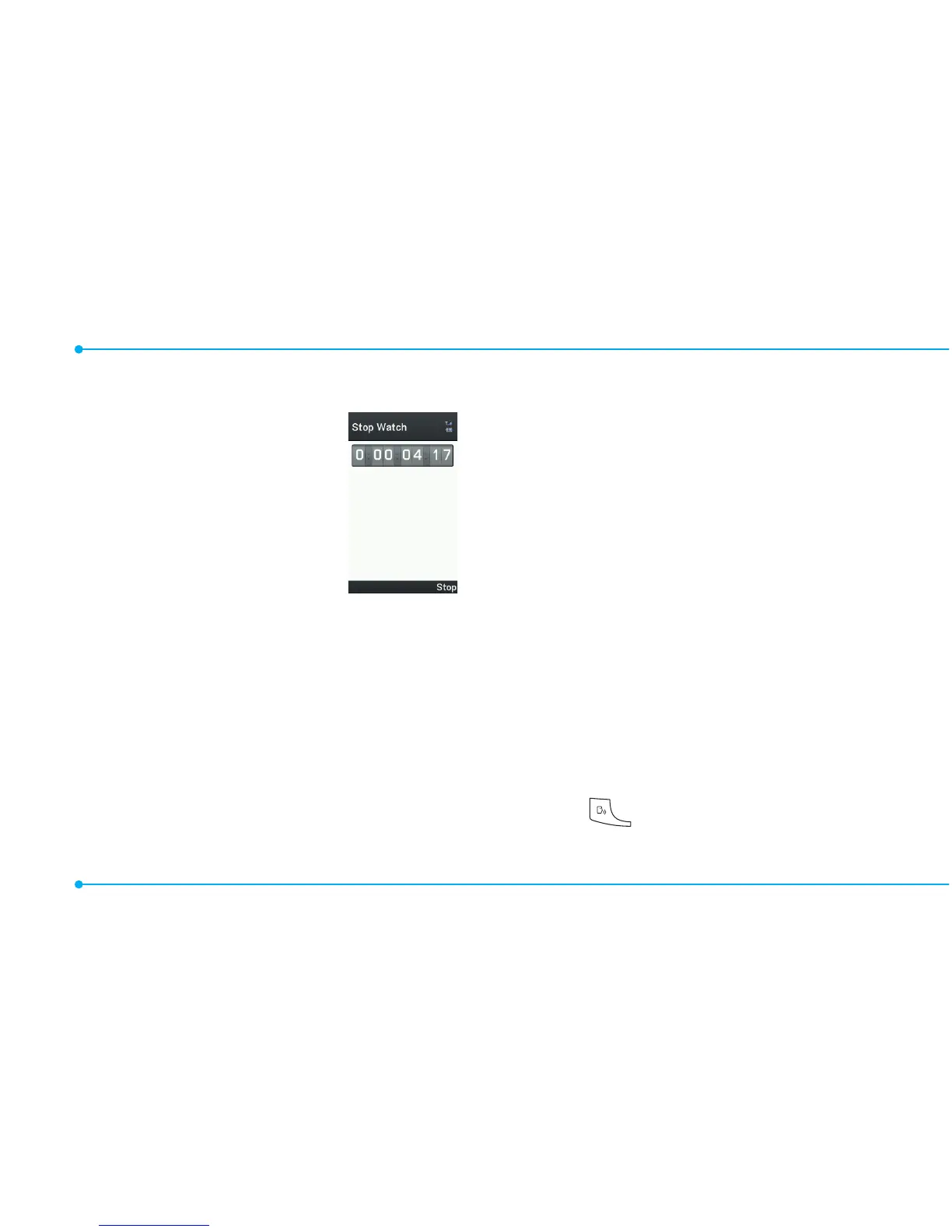
Stop watch
1.SelectMenu > Tools
> Stop Watch.
2.SelectStart to
start.
3.SelectStop to stop.
4.SelectContinue
to restart or select
Reset to clear.
5.Tochecksplittimes,select
Mode > Split Time Mode.
6.Tochecklaptimes,select
Mode > Lap Time Mode.
note: In Basic Mode, when you exit the
stop watch menu, or become idle, the
stop watch will continue running and
will be indicated by a clock icon. You can
accessthestopwatchbyre-entering
the stop watch menu.
Say a Command
Yourphoneisequippedwith
anAdvancedVoiceCommand
(AVC)feature.Thisfeatureallows
you to make calls or use the
phone functions by simply using
yourvoice.Allyouhavetodois
talk into the phone and then the
phonewillrecognizeyourvoice
and complete tasks by itself.
1.Instandbymode,simply
press to access Say a
Command.



 To Next Page