90
BASIC OPERATION
Understanding Home Screen
Home Screen is the starting point to use applications on the Marauder
TM
.
Navigate the Home Screen and use the basic functions of the Marauder
TM
.
Tap
A
to move to the main Home Screen any time.
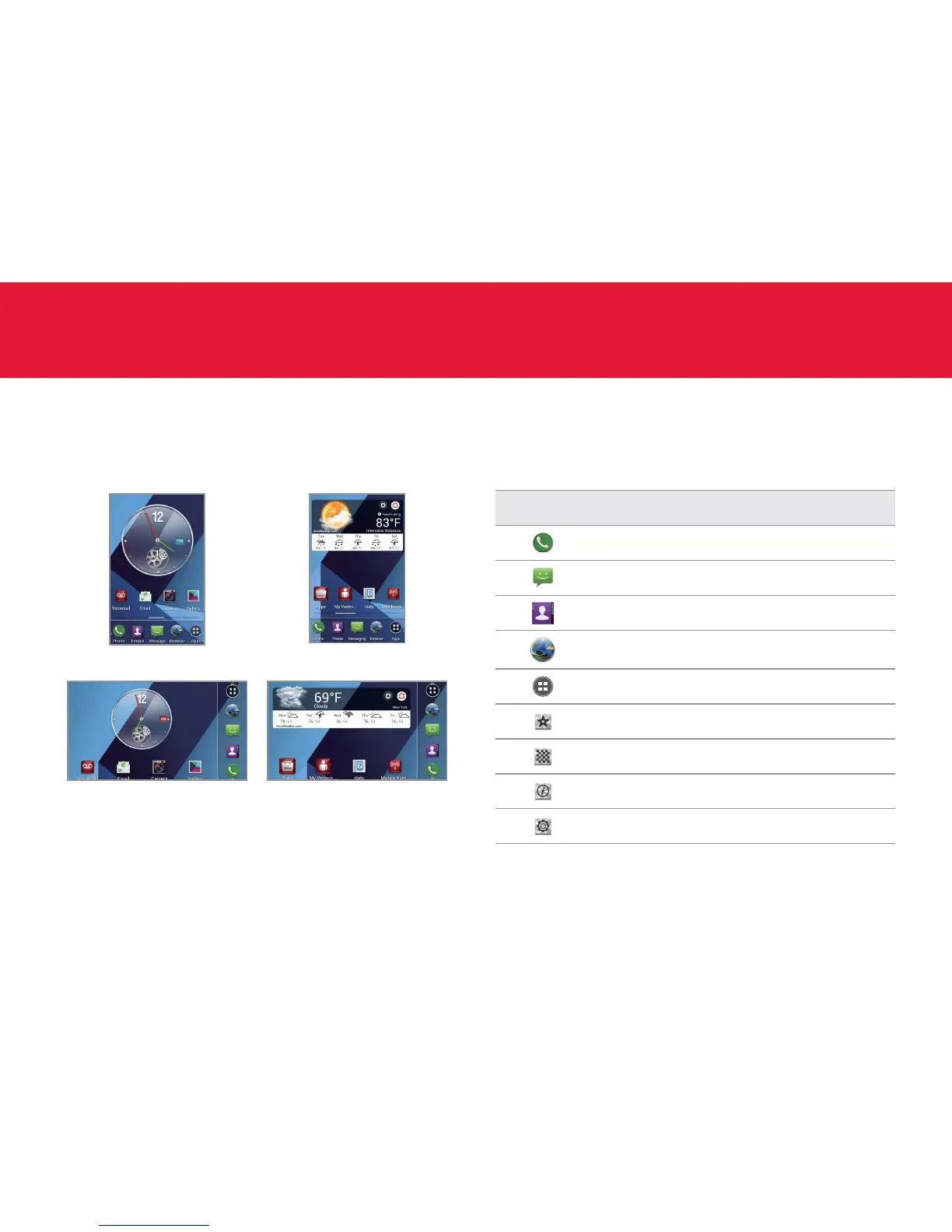
Sample Home Screen panels (portrait view)
Sample Home Screen panels (landscape view)
About the Standard mode
Standard mode allows you to use all functions of the phone. Home Screen
in Standard mode consists of seven panels by default. You can customize
them for your preferences if necessary.
Home option menu icons
The following icons represent applications that are placed in the Home
option menu. Except Widget, Wallpaper, Tips, and Settings, you can
rearrange or add applications in the Home option menu.
Icon Description
Makes calls
Sends messages
Manages contact information
Accesses the Internet
Opens the Apps screen
Shows widgets available
Shows wallpaper available
Shows tips available
Shows Settings



 To Next Page