2-2
2.2 Installing the Printer
2.2.1 Removing the packaging materials
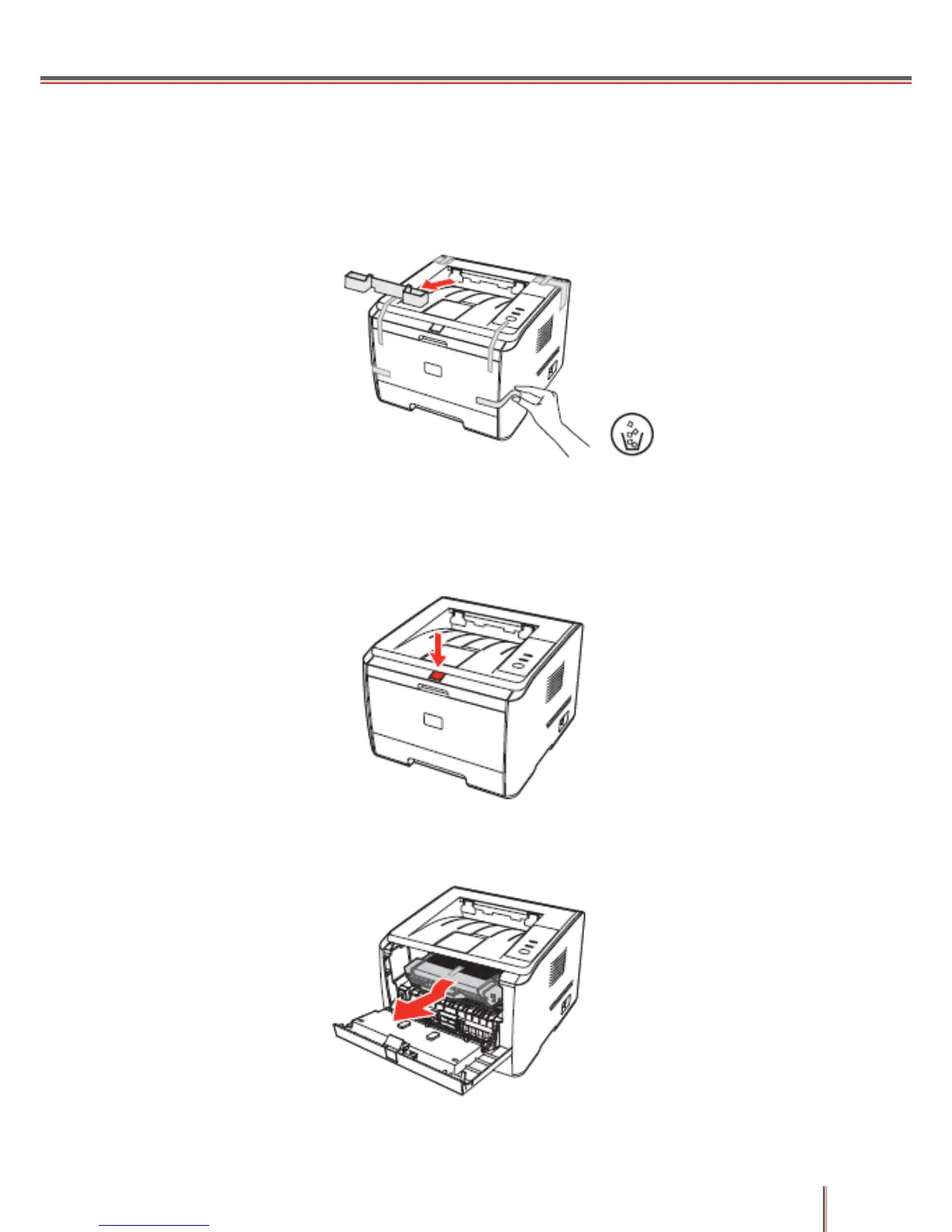
1. After unpacking the printer, dismantle the adhesive tape and the protective cover.
2.2.2 Installing Consumables
1. Press down the front cover button.
2. Open the front cover and remove the toner cartridge.


 To Next Page
 Loading...