4-3
4.3 Disassembly Steps
4.3.1 Preparation for Disassembly
1. Ensure that the power cord and the USB interface cable are disconnected before
disassembling the device.
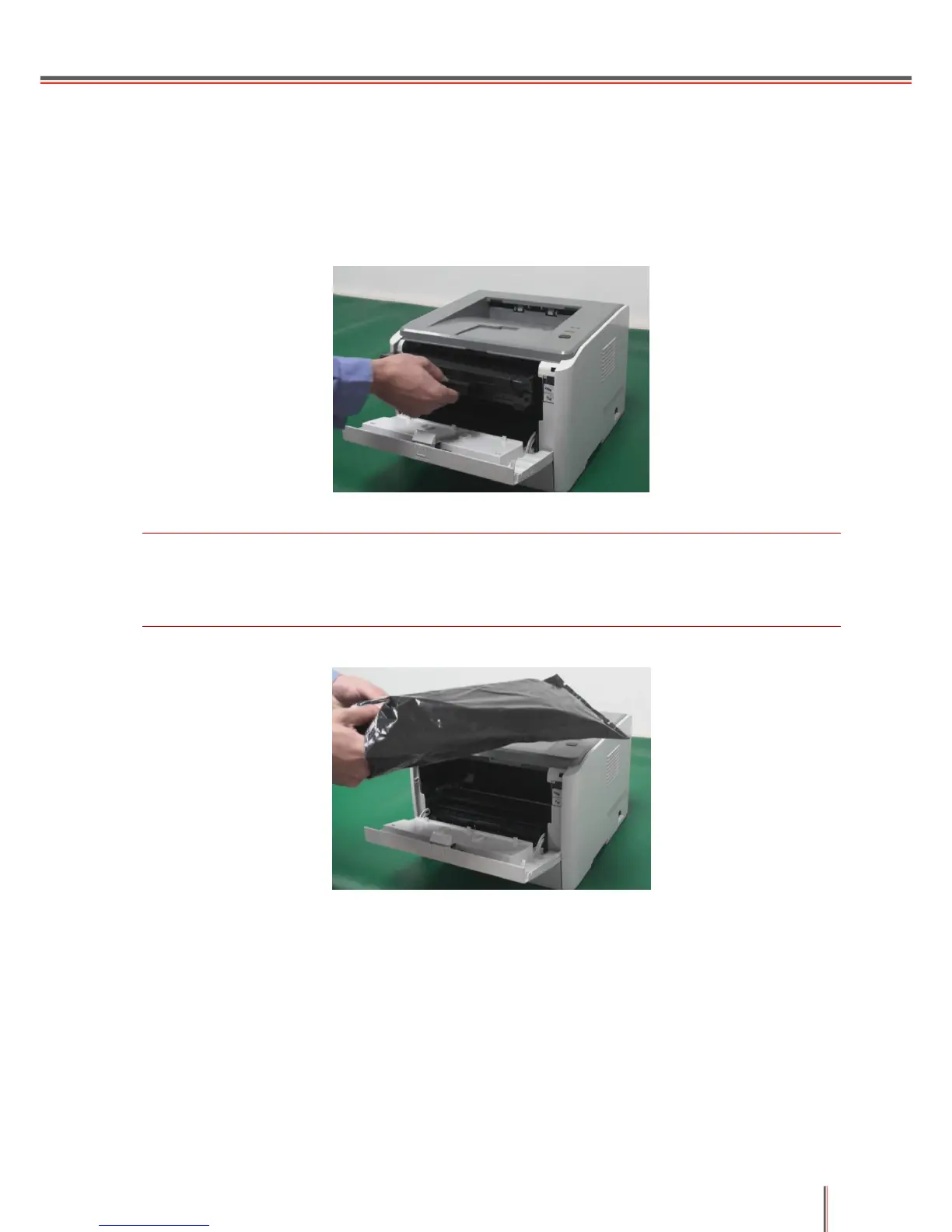
2. Remove the cartridge.
Note: Place the toner cartridge in a black plastic bag after removing it, as shown below, to avoid
damage by exposure to sunlight.
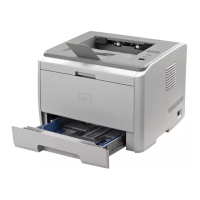
3. Remove the tray.


 To Next Page
 Loading...