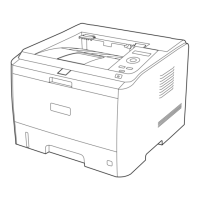
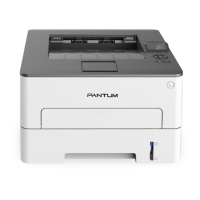
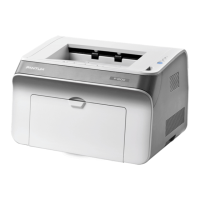
5-1
5 Maintenance
5.1 Cleaning
Note:
Please use mild detergents.
Do not use strongly corrosive liquids, such as thinners or benzene-based liquids for
cleaning, as these will damage the surface of the device.
Do not use cleaning materials containing ammonia.
Do not use isopropanol to remove dust from the control panel, as it may damage the panel.
1. Disconnect the main power switch, and unplug the power cord and the USB interface cable.
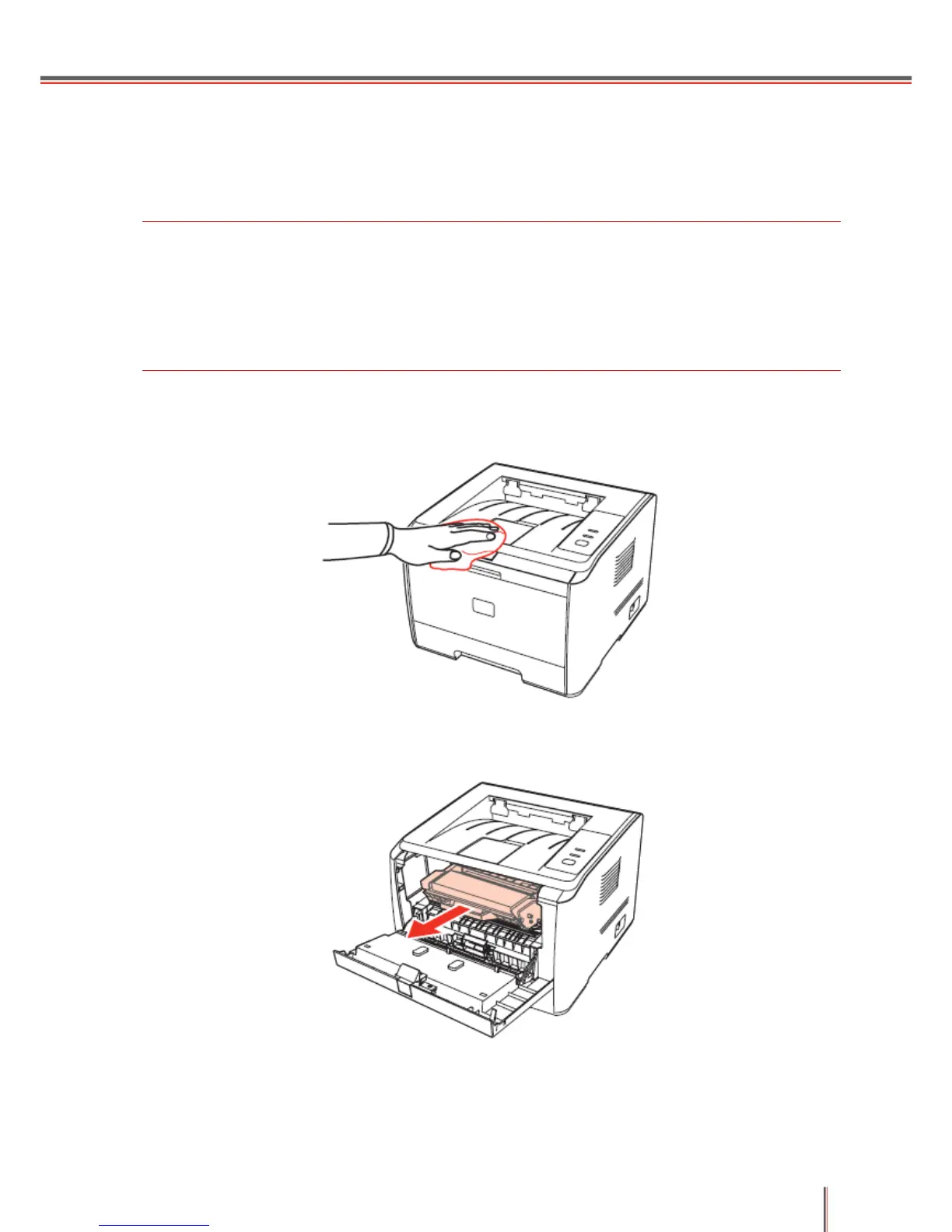
2. Use a soft duster to clean the printer surface.
3. Remove the cartridge.


 To Next Page
 Loading...