1-1
1 An Introduction to the Product
1.1 Overview
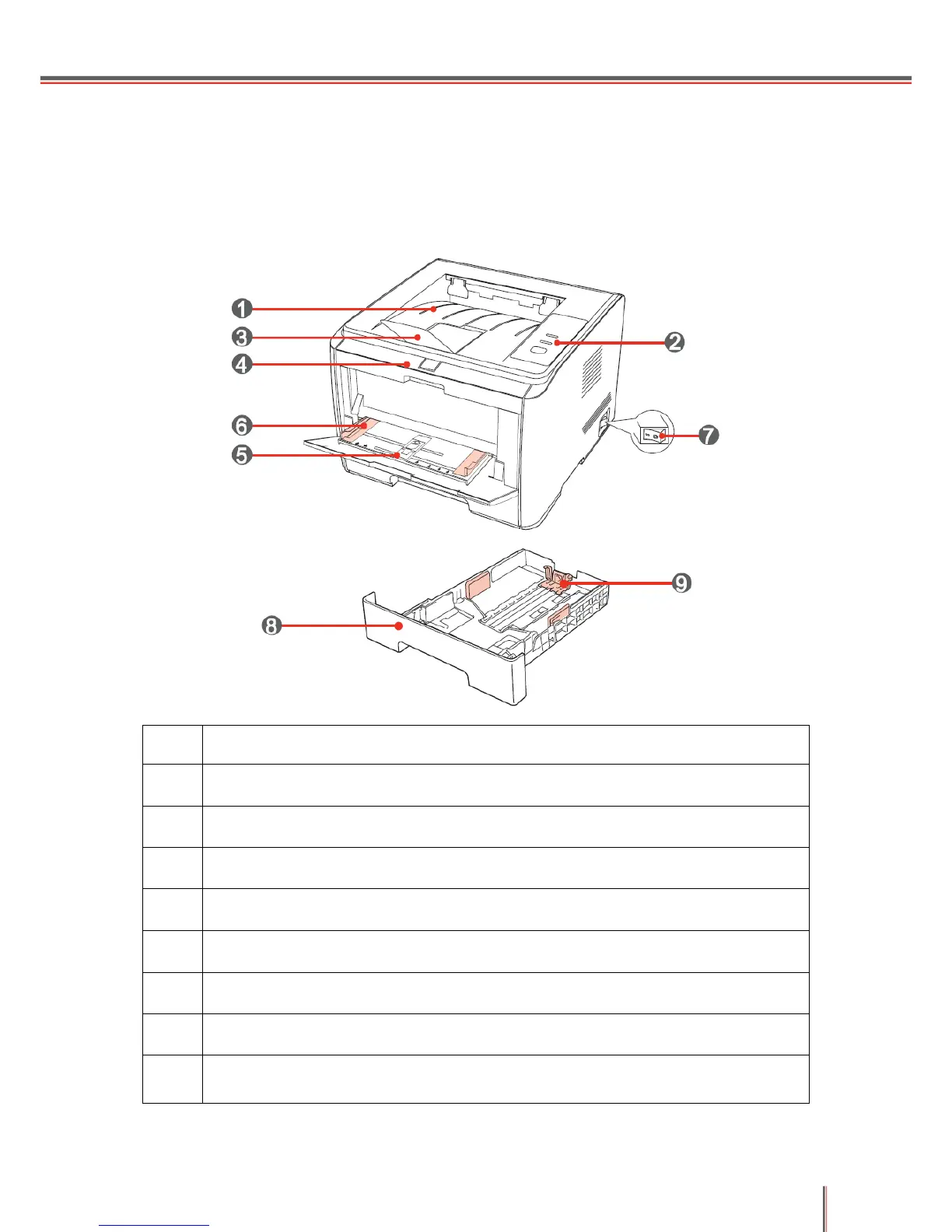
1.1.1 Front View
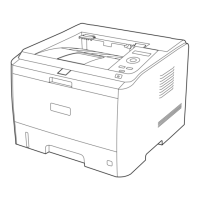
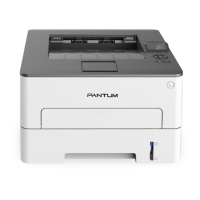
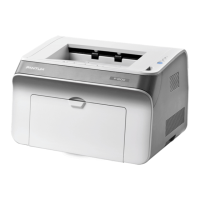
Output Bin: Used to store printed paper
Display Panel: Indicates the print status
Output Tray: Prevents printed paper from falling out
Front Cover: The laser toner cartridge can be removed by opening the front cover
Manual Feeder Tray: Print media can be manually inserted by opening the front
cover of the manual feeder tray
Manual Feeder Tray Guide: Adjusts the paper width
Main Power Switch: Turns the power supply on and off
Automatic Feeder Tray: Holds the printing paper
Paper-width Guide: Used to adjust the width of the paper inside the automatic
feeder tray


 To Next Page
 Loading...