2-22
2.5.2 Printing the Windows Test Page Online
After installing the driver, click on the Start menu on the computer, and select Printer and Fax to
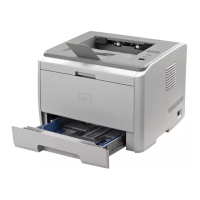
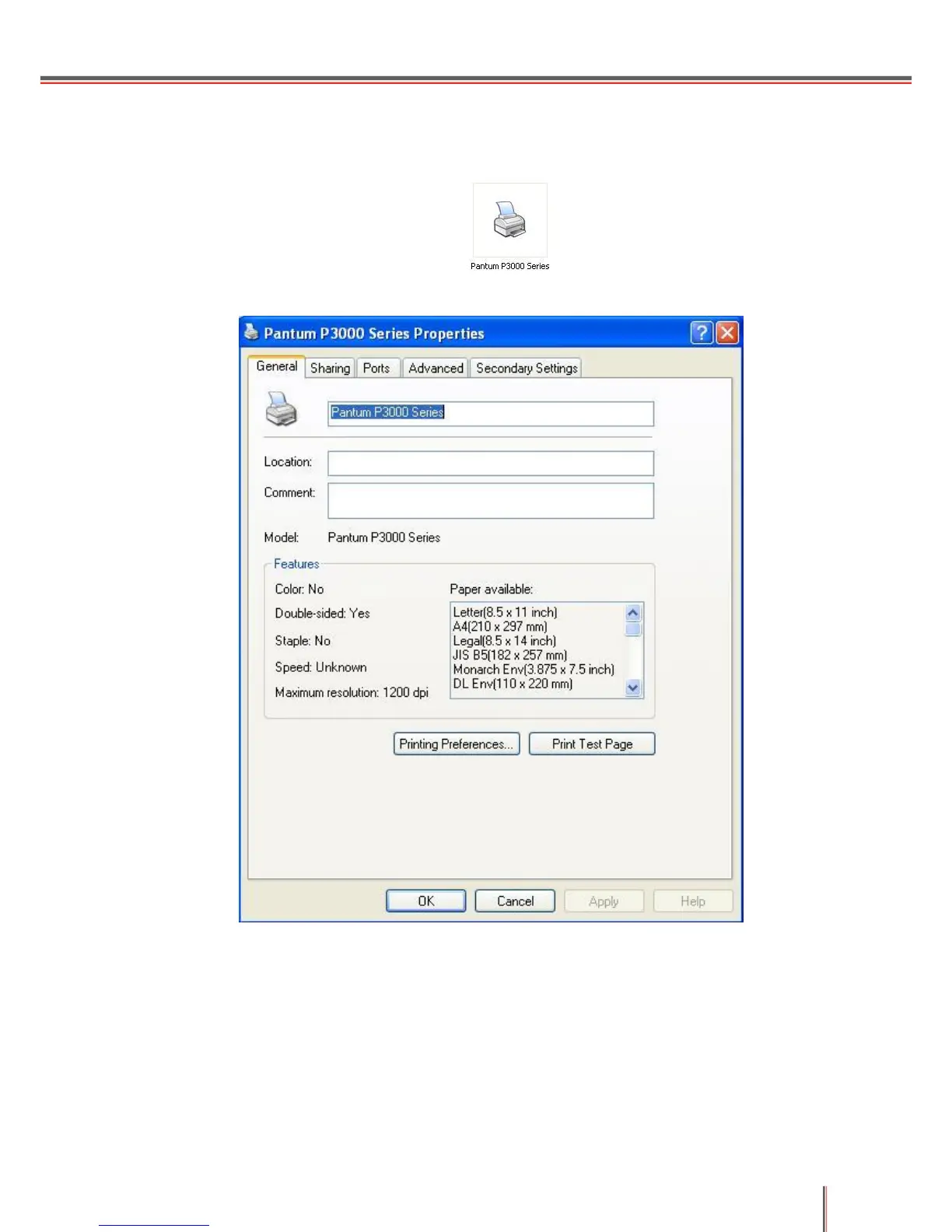
find the P3000 Series Printer icon, as shown: . Do a Right-click and select Properties:
the following pop-up box will appear:
Click on Print Test Page to print a test page.
2.5.3 Printing the Printer Information Page
Follow these steps to print using a personal computer:
1) After installing the driver, click on the Start menu on the computer, select All Programs; then,
select the P3000 Series Printer Driver and the Printer Status Monitor, as shown below:


 To Next Page
 Loading...