5-5
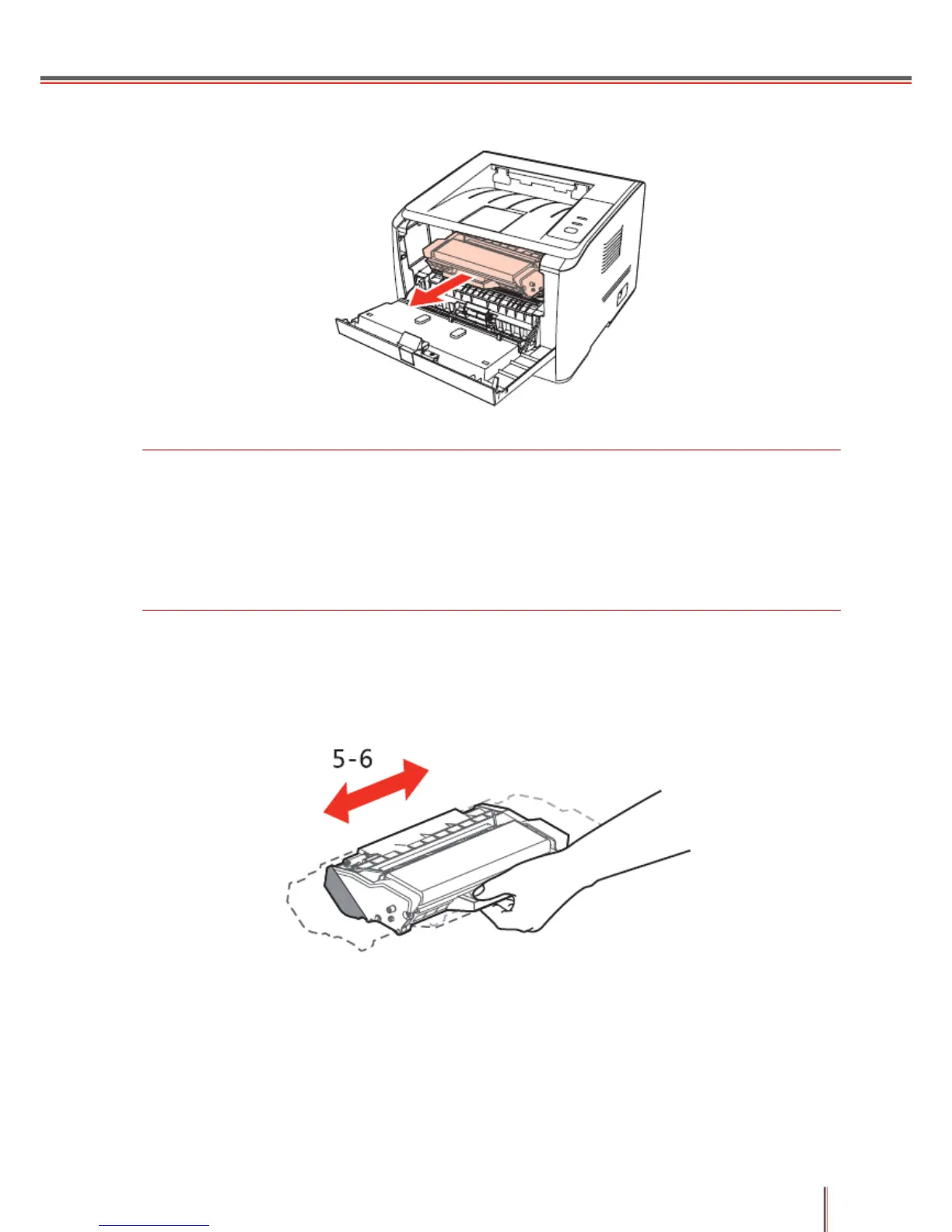
2. Open the front cover and remove the toner cartridge along the guides.
Note:
Please remove all metal objects, such as watches or bracelets, before removing the toner
cartridge to avoid damaging the inside of the device.
When removing the toner cartridge, put the toner cartridge in a protective bag or wrap it in
thick paper to avoid the cartridge being damaged by direct light.
After removing the toner cartridge, do not touch the shaded area with your hands.
3. Take the new toner cartridge out of its packaging, hold the toner cartridge handle and shake it
gently (horizontally) 5-6 times so as to evenly distribute the toner inside the toner cartridge.


 To Next Page
 Loading...