DEVICE MAINTENANCE AND CLEANING
TRAINING
©Parata
How to Change the Printer Ribbon and Clean the Thermal Print Head
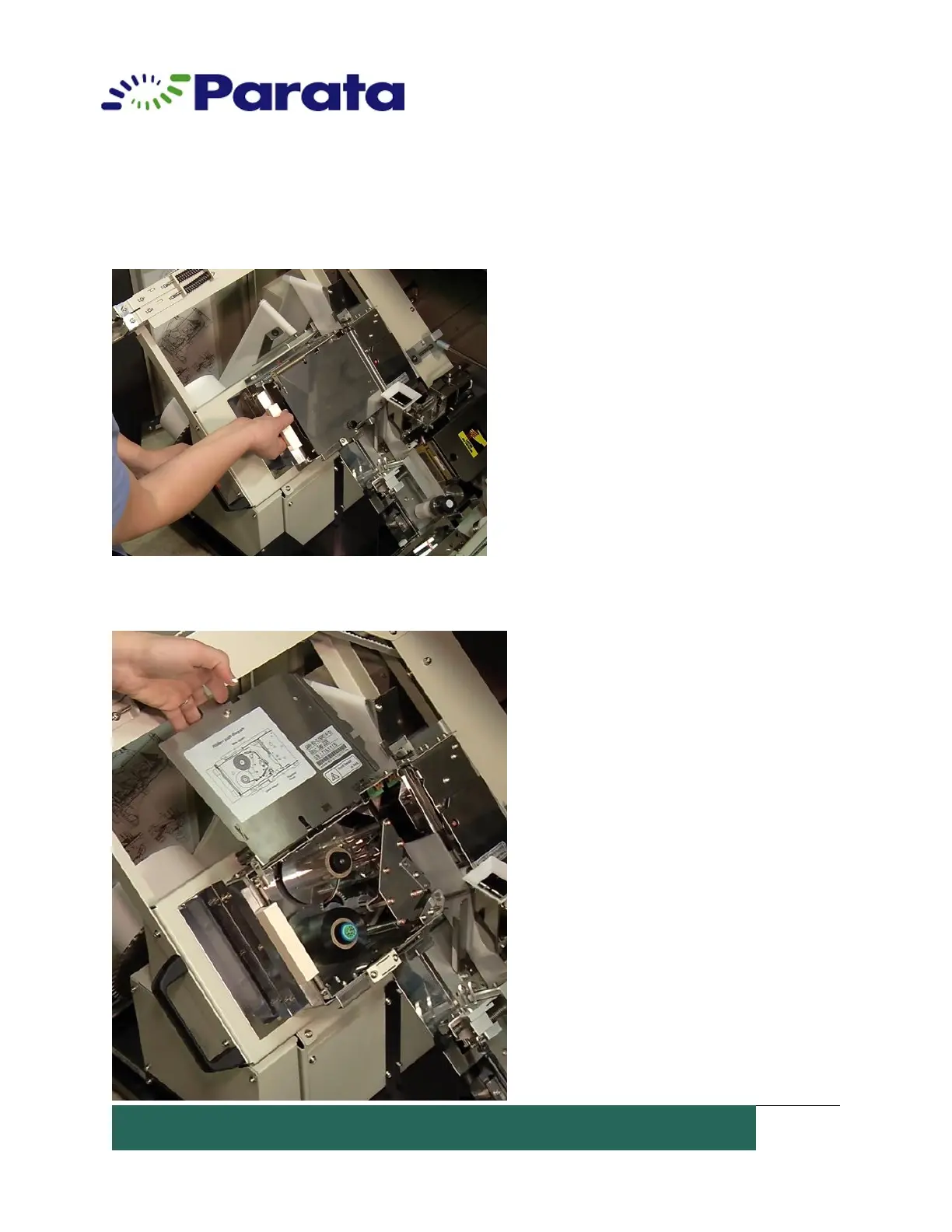
4. Locate the printer assembly and pull the plastic handle towards you to release the
assembly.
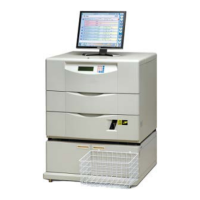
4. Open the printer assembly cover, by pulling up on the black knob. You will see that the
left-hand ribbon spool is empty.


 To Next Page