DEVICE MAINTENANCE AND CLEANING
TRAINING
©Parata
How to Remove the Lower Packaging Unit (LPU)
CAUTION: Do not stand on the LPU cart! The LPU cart is only designed to safely support the
LPU.
1. Power off the ATP by pressing the red knob on the front of the device.
2. Open the lower front doors on the ATP device.
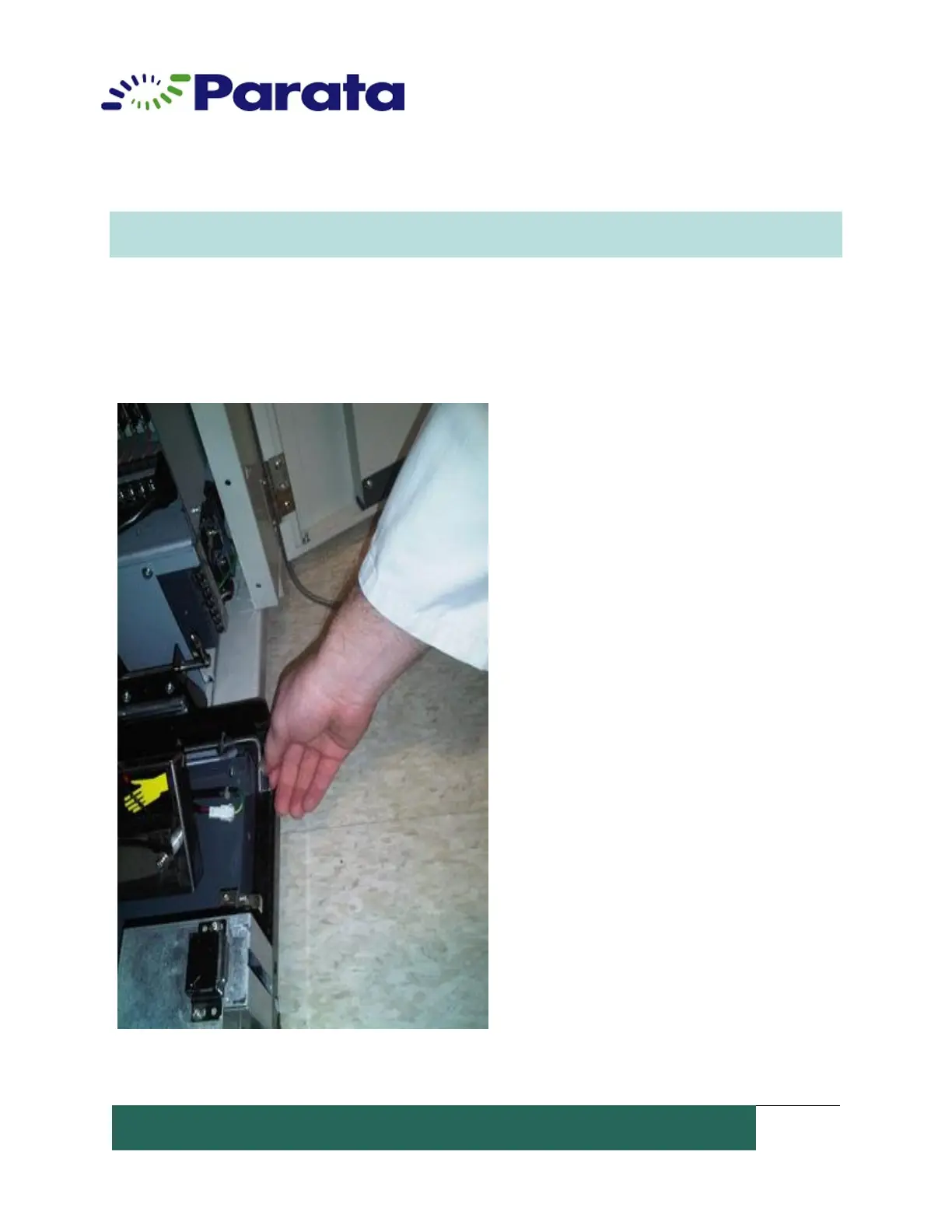
3. Lift the left and right lock levers on the front corners of the LPU.


 To Next Page