DEVICE MAINTENANCE AND CLEANING
TRAINING
©Parata
How to Replace the Printer Head (ADMIN) [online
video]
1. Power off the ATP machine.
2. Follow steps 1-4 of the Thermal Printer Cleaning to gain access to the thermal print
head.
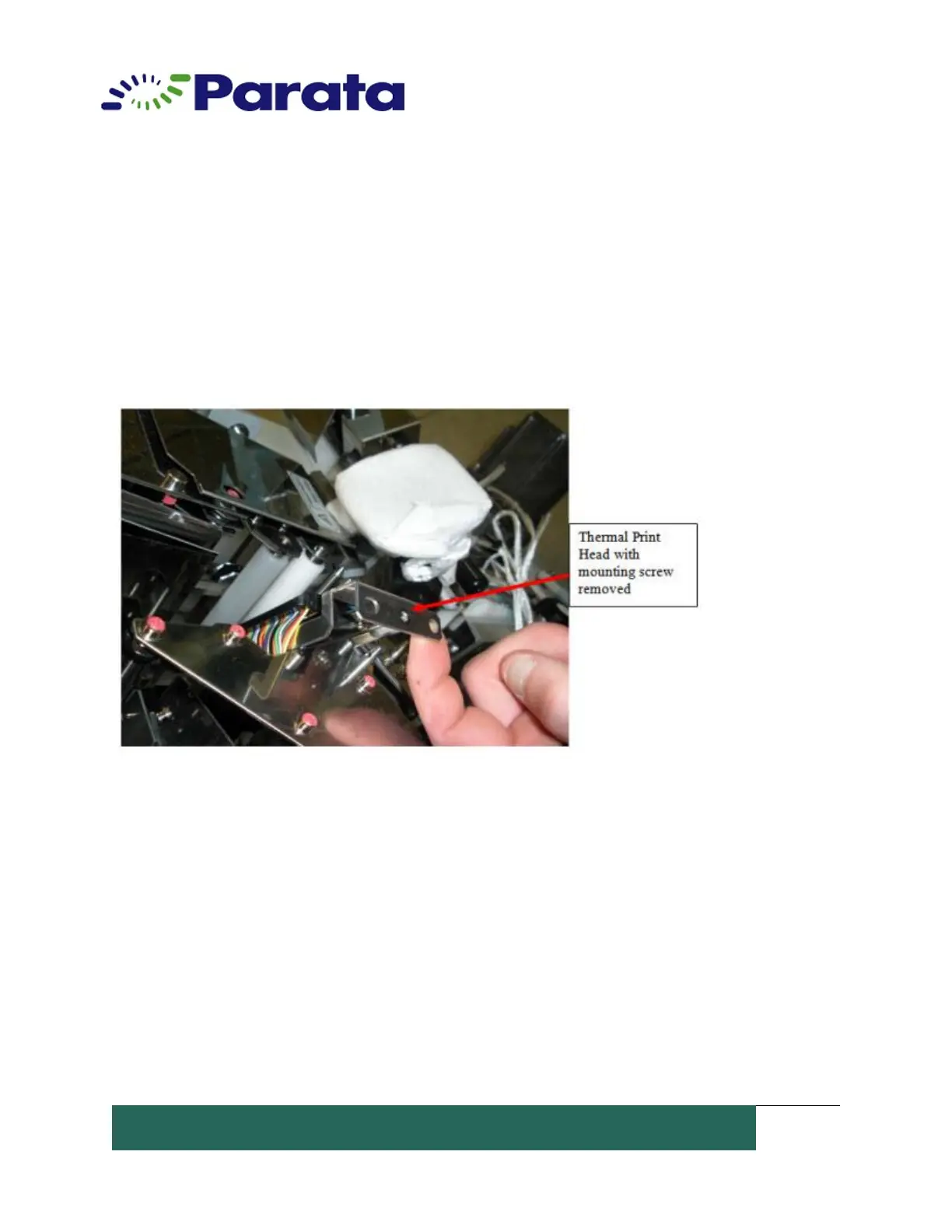
3. Remove the mounting screw on the print head bracket.
4. Lift the print head bracket off of its guide pins.
5. Pull on the print head's connecting cable and rock it back and forth to remove it.


 To Next Page