DEVICE MAINTENANCE AND CLEANING
TRAINING
©Parata
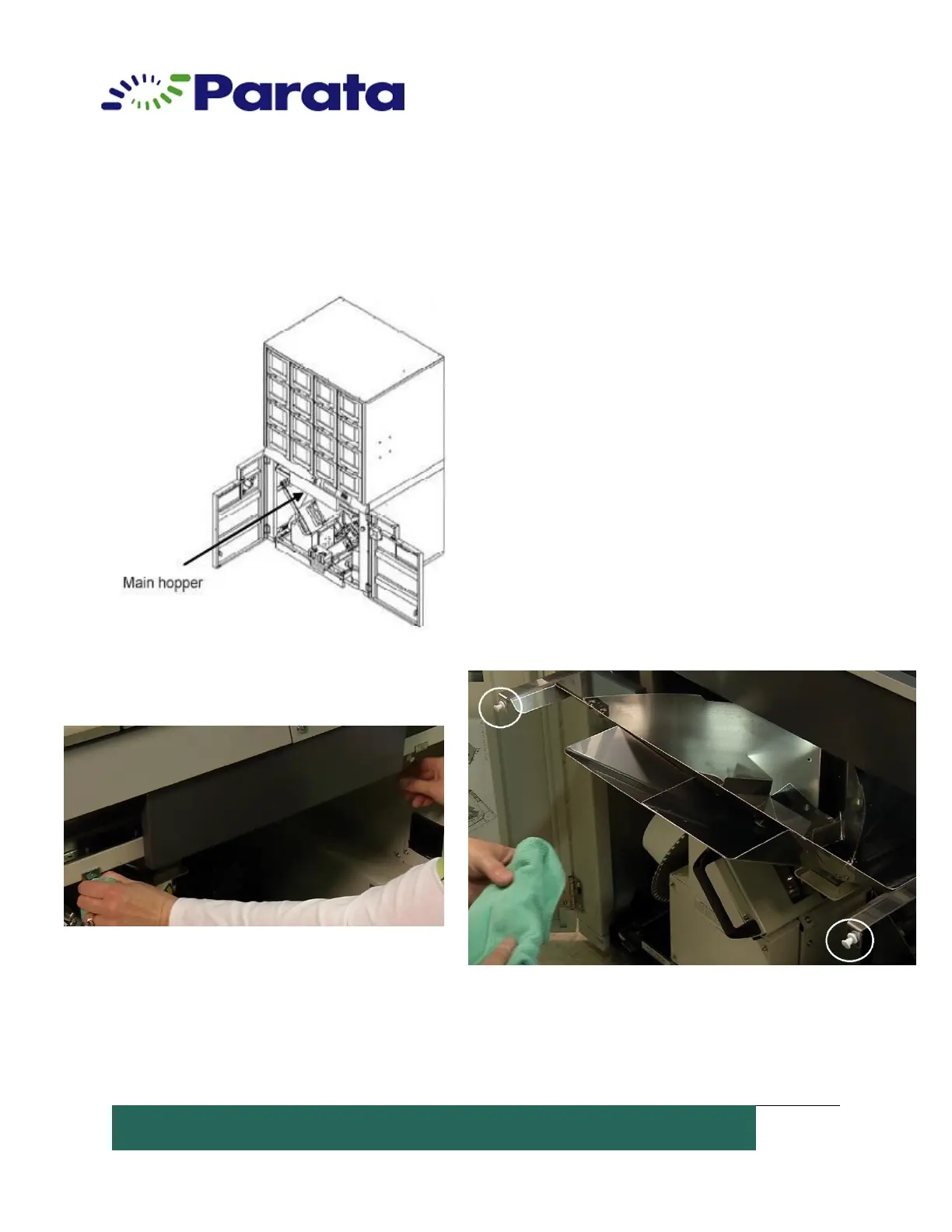
How to Clean the ATP Device Main Hopper
1. Turn off the power switch before cleaning.
2. Open the front door. The main hopper is
located between the Lower Packaging Unit and
the 1st shutter.
3. Normally, the hopper is locked. Pull the 2
latches (white resin components) at the upper
side of the main hopper to unlock the main
hopper.


 To Next Page