DEVICE MAINTENANCE AND CLEANING
TRAINING
©Parata
How to Remove the Lower Packaging Unit (LPU)
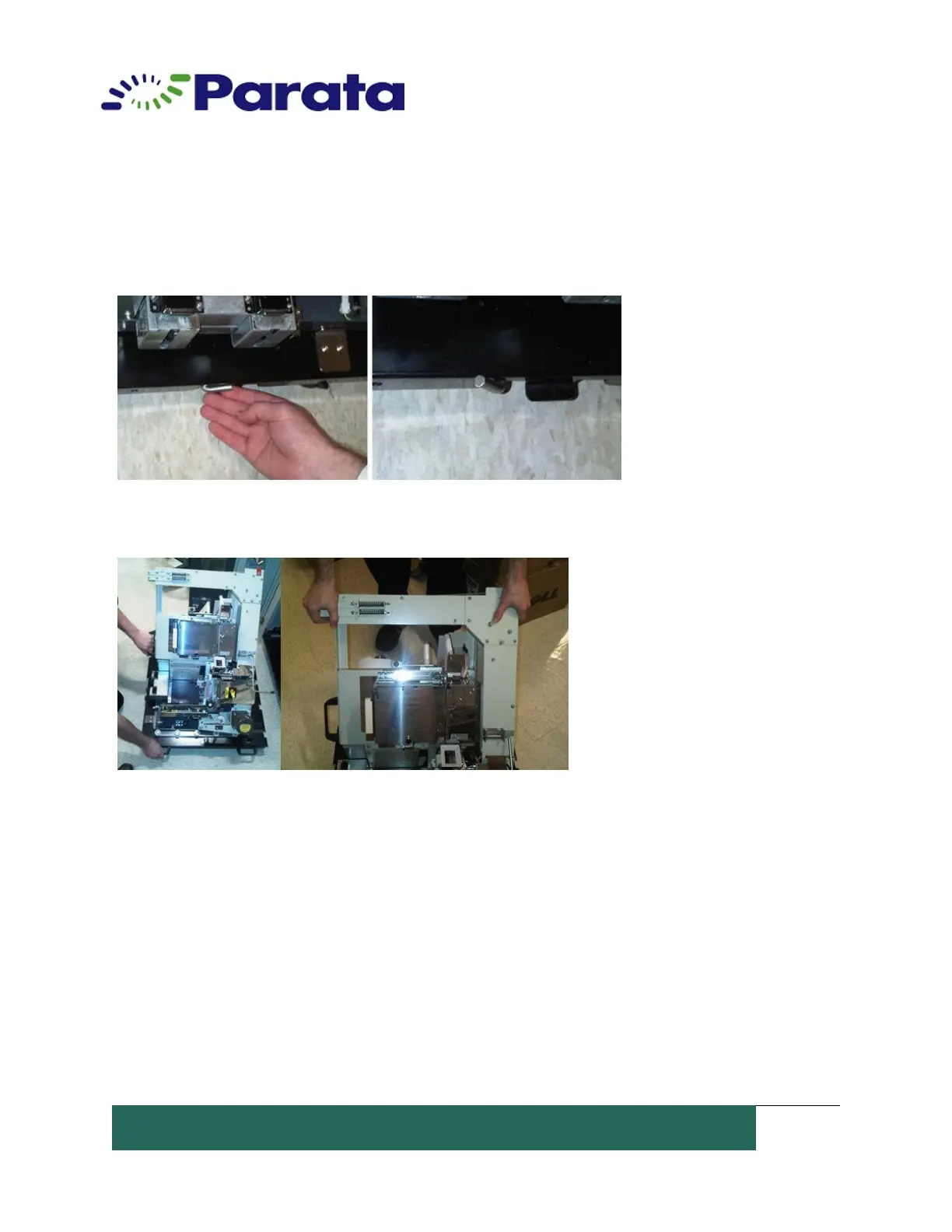
8. Retract the positioning arm, and lock the LPU onto the cart by lifting the steel lock
shaft found at the front of the LPU cart.
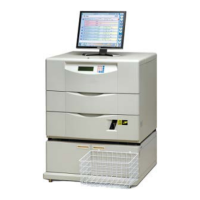
9. Transport the removed LPU to a desired location.
10. After replacing the LPU, power on the ATP by turning the red knob on the front of
the device a quarter turn to the right.


 To Next Page