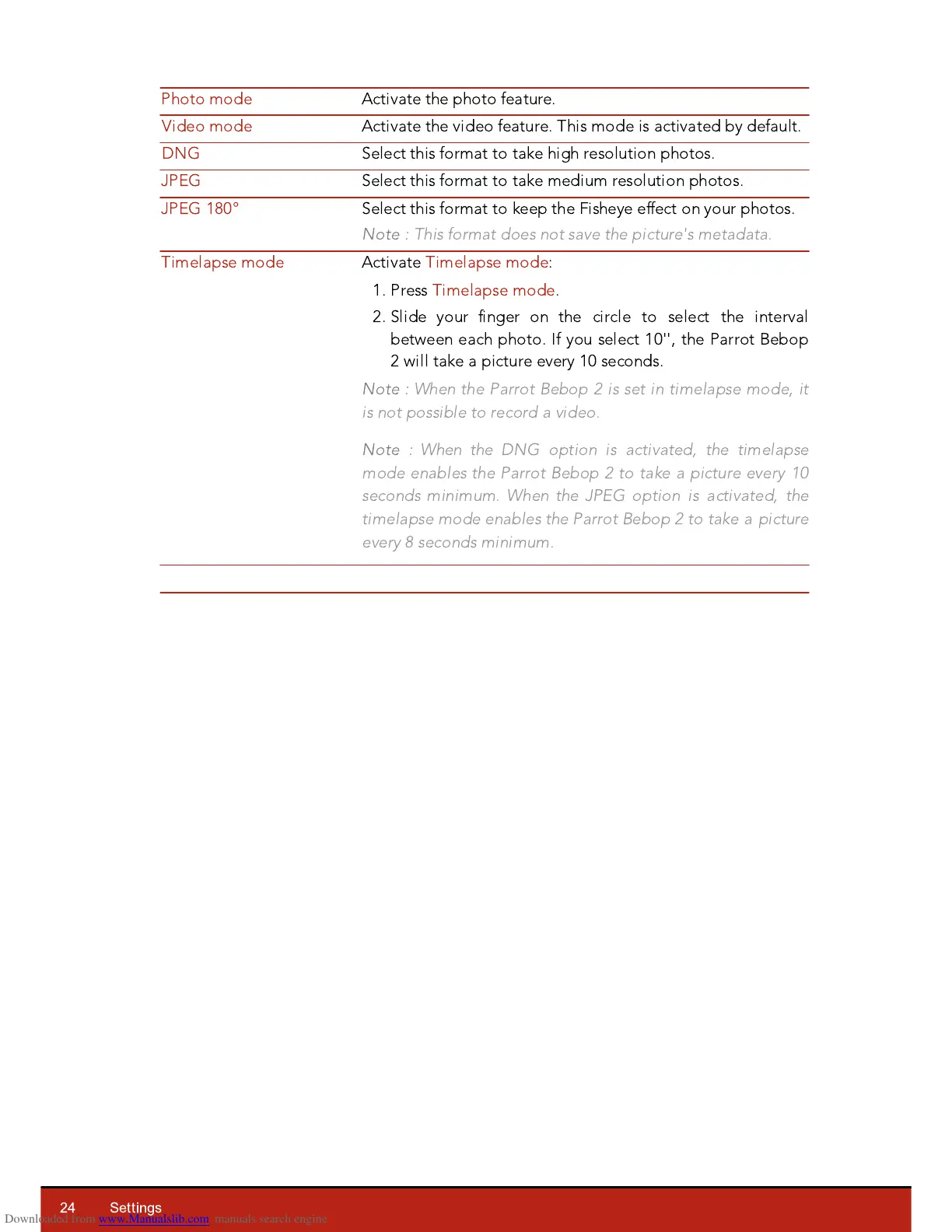
Select this format to keep the Fisheye effect on your photos.
Note :
This format does not save the picture's metadata.
Activate Timelapse mode:
1. Press Timelapse mode.
2. Slide your finger on the circle to select the interval
between each photo. If you select 10'', the Parrot Bebop
2 will take a picture every 10 seconds.
Note :
When the Parrot Bebop 2 is set in timelapse mode, it
is not possible to record a video.
Note :
When the DNG option is activated, the timelapse
mode enables the Parrot Bebop 2 to take a picture every 10
seconds minimum. When the JPEG option is activated, the
timelapse mode enables the Parrot Bebop 2 to take a picture
every 8 seconds minimum.














 To Next Page