PAGE 21
Configuration 3.1
After completing installation of the unit, the configuration procedures contained within
this section must be performed to prepare the instrument for operation on the intended
application. The procedures include selecting specific parameters, entering data and
possible jumper positioning.
Parameter selections and data entry are made via the front keypad. To ease
configuration and operation, user entered data has been divided up into several
modes. Each mode contains a different type of data or may be used for specific
operating functions. These modes are as follows:
Mode Display Code Function Description
Off oFF Operation Outputs and Alarm Off
Control CtrL Operation Operates in automatic
control; Change local
setpoint, Alarms are On
Manual Stby Operation Manual control of
proportional outputs
Program Prog Configuration Configures operating
parameters
Tune tunE Configuration & Sets alarm settings &
Operation tunes the controller to
the process
Profile PCon Operation Provides Profile
Continue Continue function
Profile PEnt Configuration Configures profile Entry
Entry parameters
P1 thru P8 P1 - P8 Operation Executes any of the 8
profiles
Test tESt Service Performs instrument
tests
Calibration CAL Service Performs instrument
calibration
Enable EnAb Configuration Locks out or enables
access to any modes
(Continued on next page)
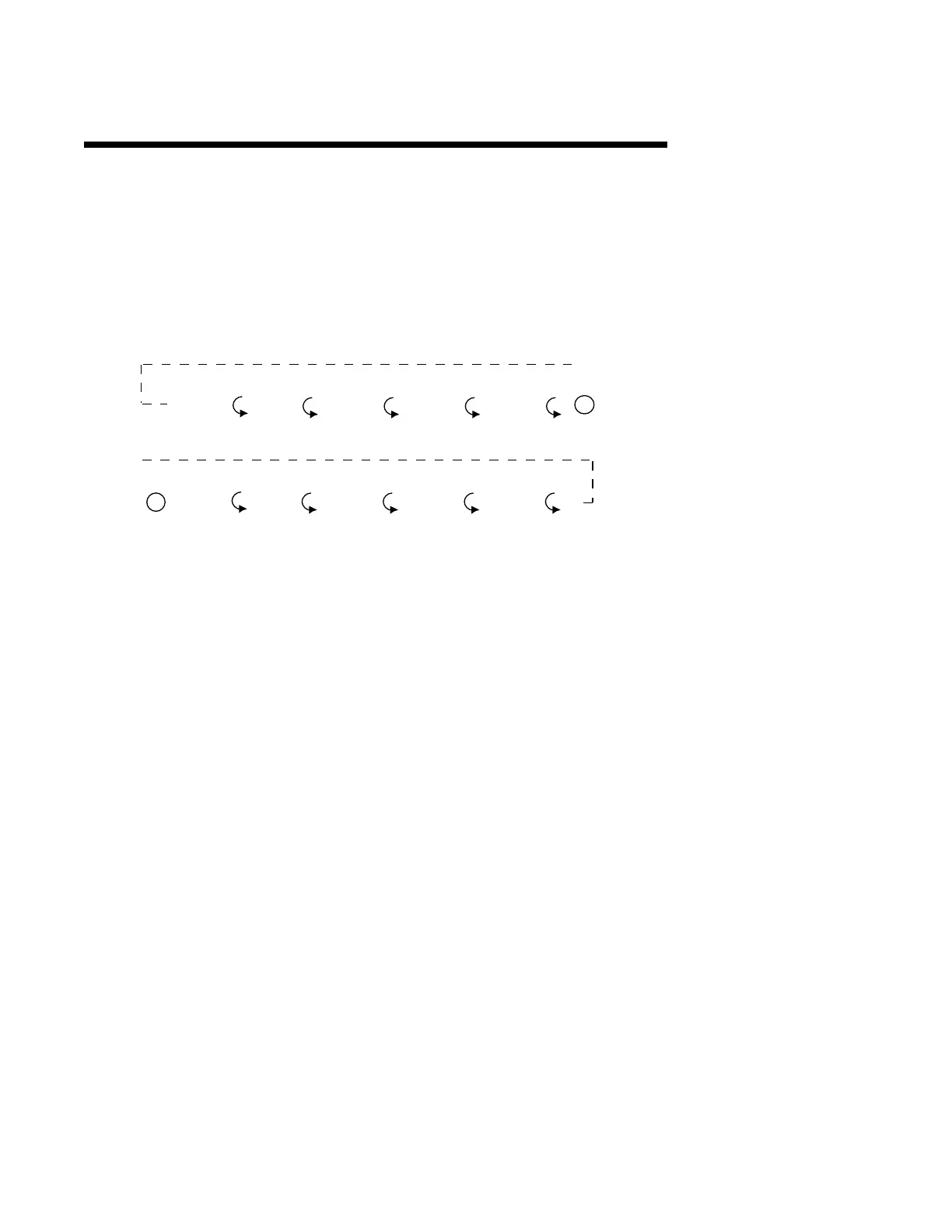
Control
(CtrL)
Test
(tESt)
Program
(Prog)
Tune
(tunE)
Calibrate
(CAL)
Standby
(Stby)
Profile
Continue
(PCon)
P1..P8
Profile
Number
OFF
Profile
Entry
(PEnt)
A
A



 To Next Page