10 CHAPTER 2 BIOS SETUP
Entering the Setup Utility
When you power on the system, BIOS enters the Power-On Self Test (POST) routines. POST is a series of
built-in diagnostics performed by the BIOS. After the POST routines are completed, the following message
appears:
Press DEL to run Setup
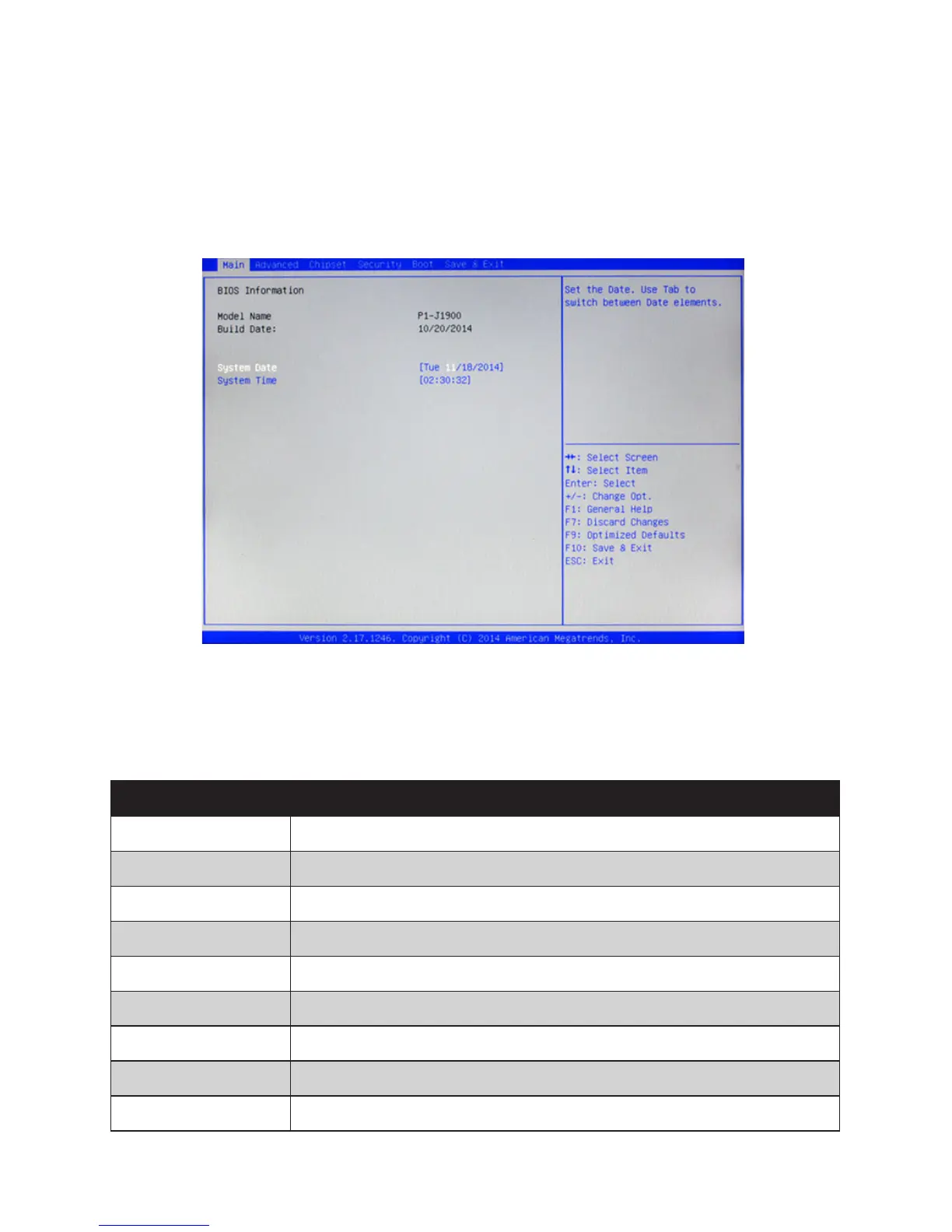
Press the delete key <Delete> to access the BIOS Setup Utility:
BIOS navigation keys
The BIOS navigation keys are listed below.
Key Function
← → Moves between the available menus
↑ ↓ Moves the cursor between the displayed parameters
+ – Modies the selected eld’s values
Enter Go to sub screen
F1 Displays a general help screen
F7 Discard changes
F9 Loads the default congurations
F10 Saves the current conguration and exits Setup
Esc Exits the current screen
Figure 2.1 Main BIOS screen



 To Next Page