34 CHAPTER 3 INSTALLING DRIVERS AND SOFTWARE
Intel Chipset Graphics Driver
Refer to the following to install the graphics driver.
1. Browse to the \Graphics folder.
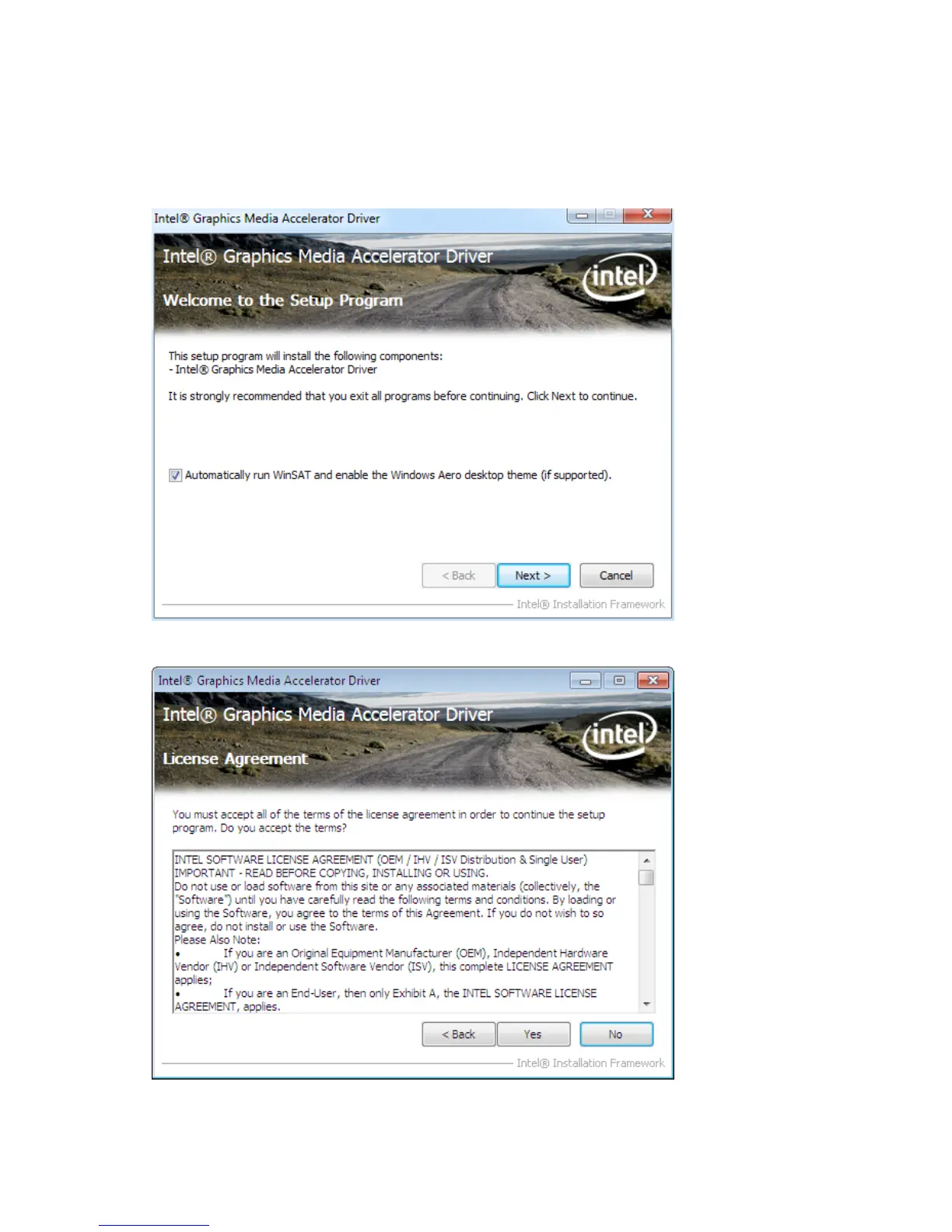
2. Double-click the executable le. The following screen appears. Click Next to continue.
3. Read the license agreement, then click Yes.



 To Next Page