63
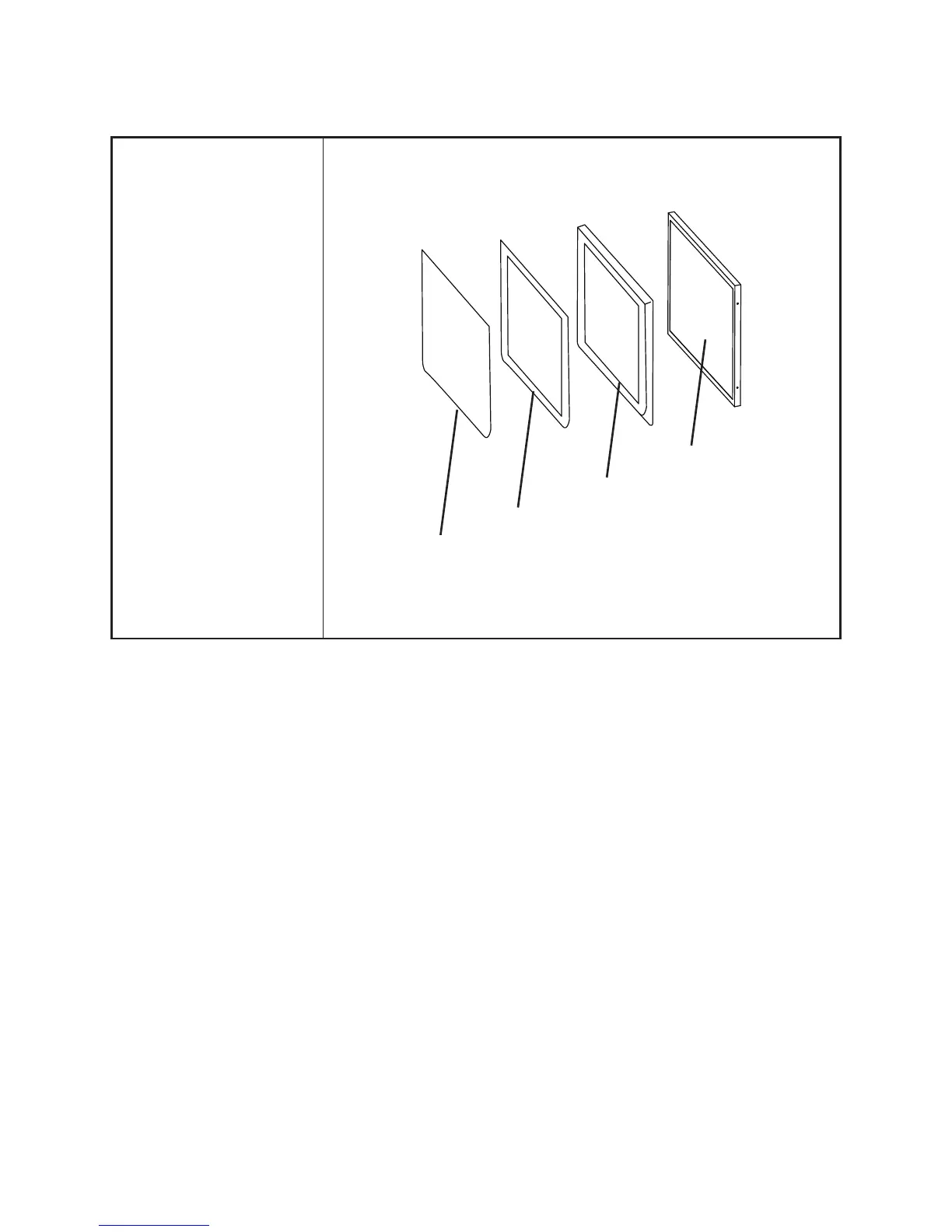
Touch Panel, Front Bezel, LCD Panel
Before proceeding, remove
the following FRUs.
• “Back Cover” on page 54.
• “Speaker” on page 55.
• “Power Button” on page
55.
• “COM4 port and PS/2
port” on page 56.
• “I/O Shield” on page 56.
• “Mainboard” on page 58.
• “Inverter” on page 58.
• “Panel Bracket” on page
59.
1. Remove the LCD panel.
2. Remove the front bezel.
3. Remove the touch panel.
LCD Panel
Front Bezel
Glue
Touch Panel



 To Next Page