28 CHAPTER 2 BIOS SETUP
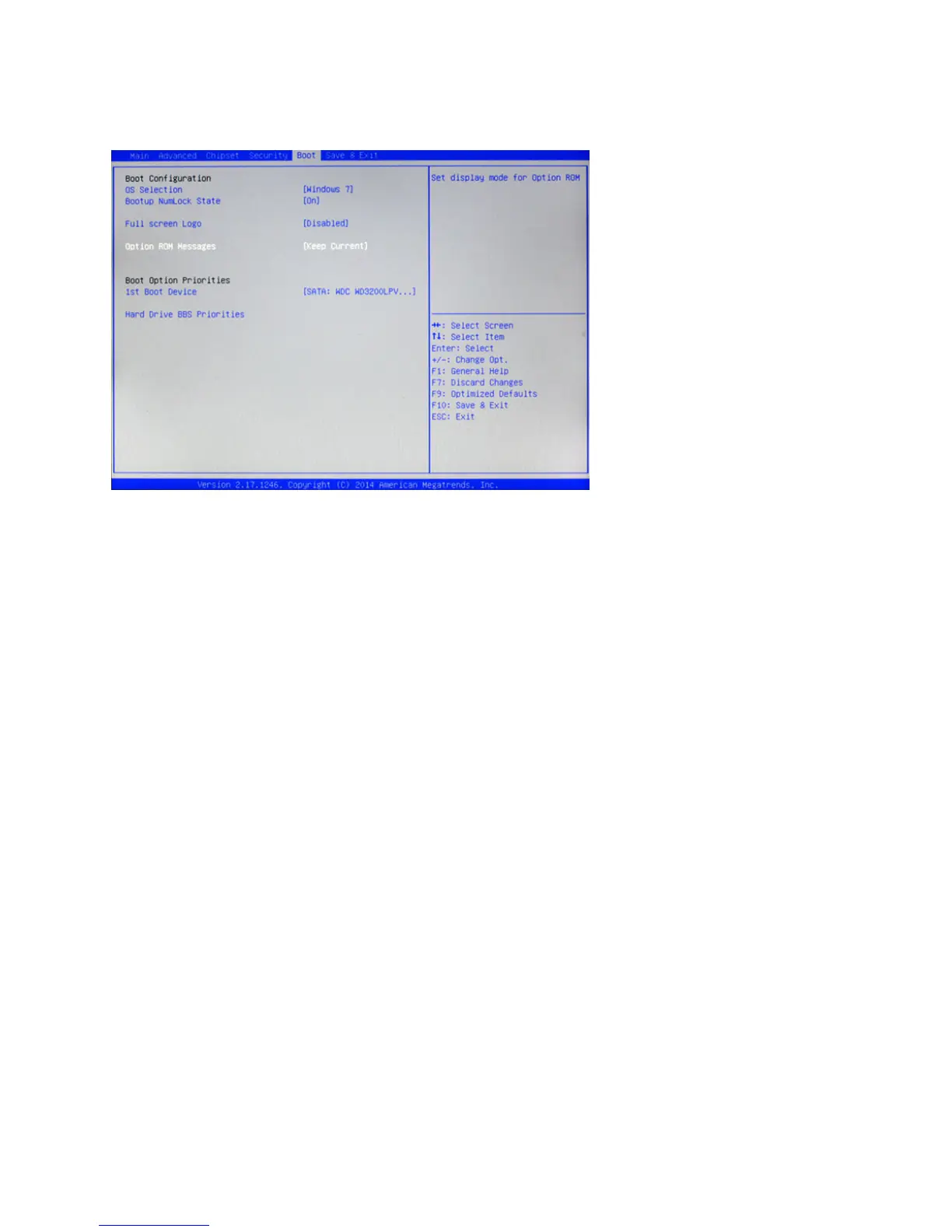
OS Selection
This item allows you to select the version of your OS.
Bootup Numlock State
This item is used to select the Power-on state for Numlock.
Full screen Logo
This item enables you to show the full screen logo on the bootup screen.
Option ROM Messages
This item allows you to set the display mode for option ROM.
1st Boot Device
Set the boot device options to determine the sequence in which the computer checks which device to boot
from.
Boot Conguration
This screen allow you to congure the boot options.
Figure 2.18 Boot
Conguration Screen



 To Next Page