26 CHAPTER 2 BIOS SETUP
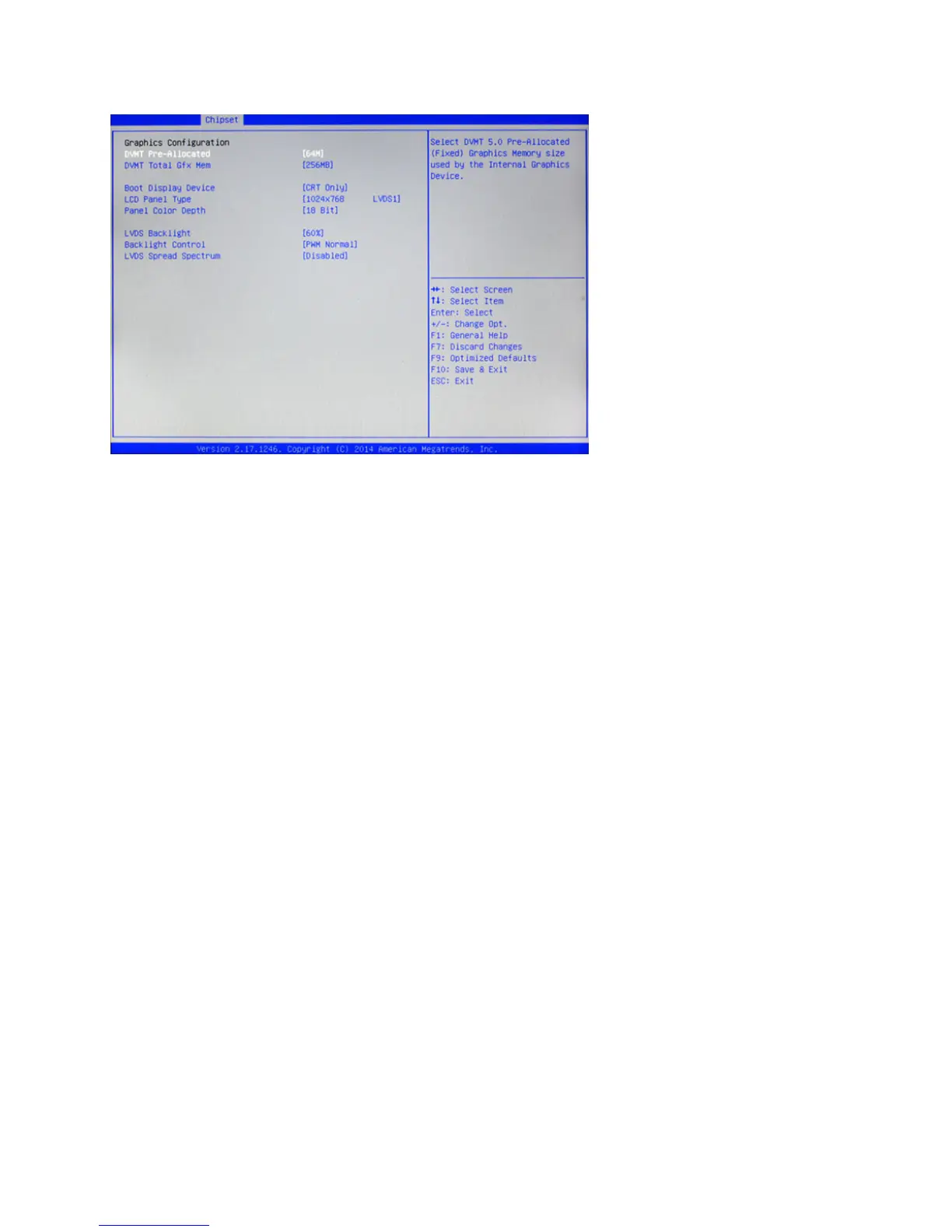
Graphics Conguration
Figure 2.16 Graphics
Conguration sub-menu
DVMT Pre-Allocated
This item allows you to adjust system memory that can be pre-allocated as graphics memory.
DVMT Total Gfx Mem
This item allows you to set the maximum amount of system memory that can be allocated as graphics
memory.
Boot Display Device
This option allows you to set the video device will enable during the POST.
LCD Panel Type
This item allows you to select the LCD panel type.
Panel Color Depth
This item allows you to select the color depth of the LCD panel.
LVDS Backlight
This feature allows you to adjust the backlight of the LCD monitor.
Backlight Control
This feature allows you to select the backlight control interface.
LVDS Spread Spectrum
When the motherboard clock generator pulses, the extreme values (spikes) of the pulses creates EMI
(Electromagnetic Interference). The Spread Spectrum function reduces the EMI generated by modulating
the pulses so that the spikes of the pulses are reduced to atter curves. If you do not have any EMI problem,
leave the setting at Off for optimal system stability and performance.



 To Next Page