10
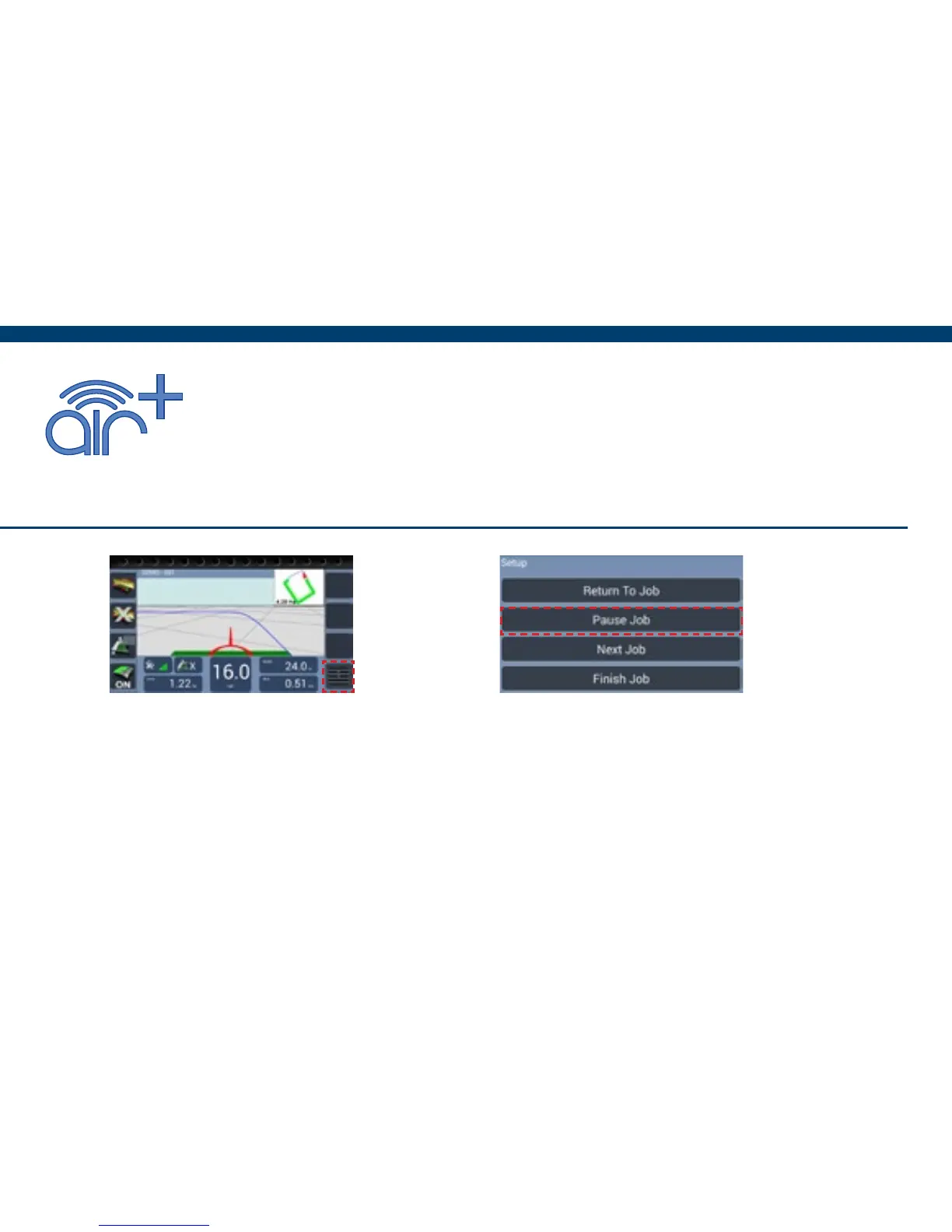
Pause Job
The following setup instructions are exclusive to Air+ software users, the
Air+ software is a paid for upgrade which is available to all BlackBox Air
users and includes the following features :- Pause Job | Auto Record |
Headland Guidance | Headland Warning | Tracking | Boundary Printing
Resuming a Paused job
If a pause job is available, press Start Job an option box will appear with the option to
continue the paused job. Pressing Yes will resume the job with a red marker in the mini map
to show where the job was paused.
1) When in the Job screen, Press
Menu.
2) Press Pause Job, this will save the
coverage area and any guidance lines
that were set.


 To Next Page