15
Air+ Features
Using in the Job Screen
N.B. A eld boundary map needs to be created for the eld.
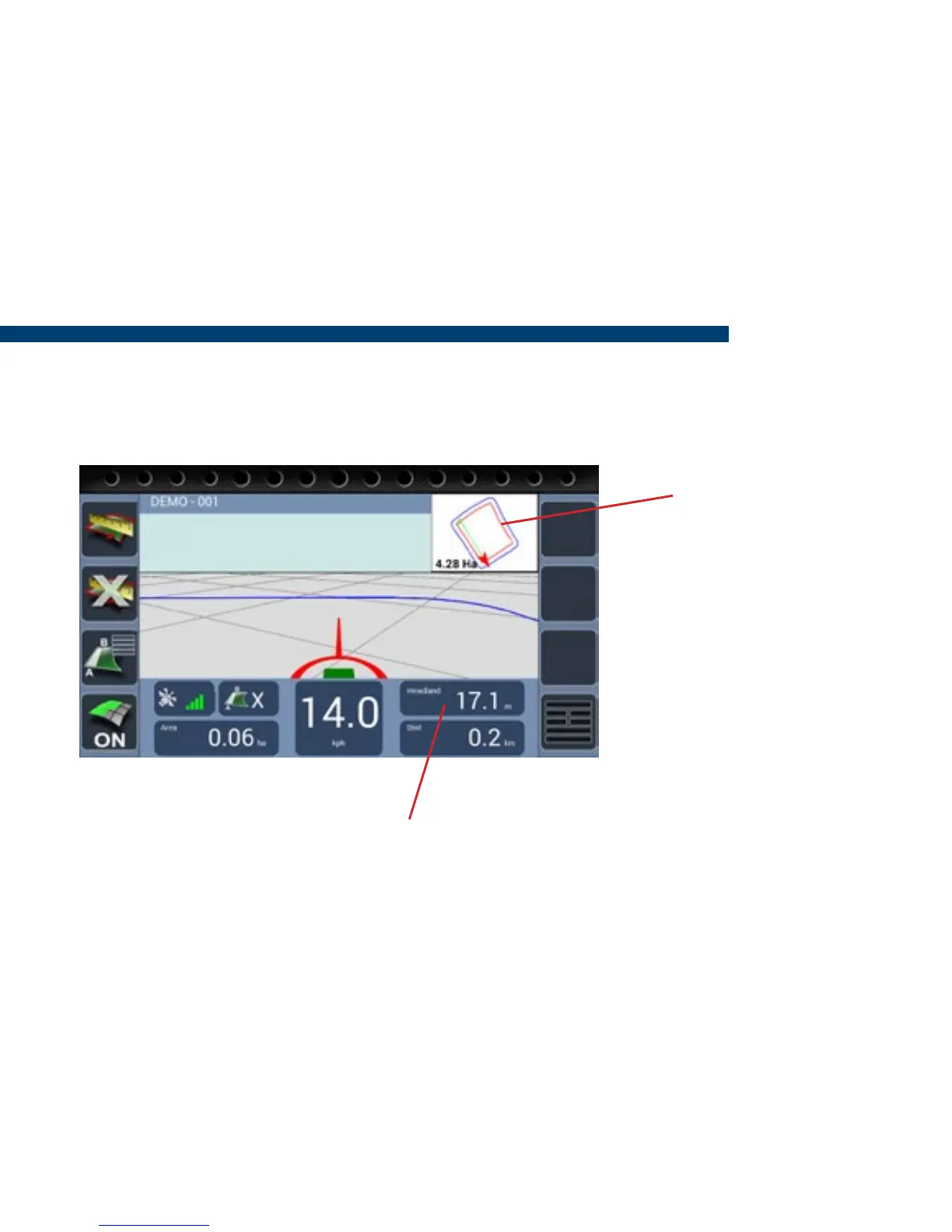
The headland zone edge
is displayed as a Red Line
in the 2d mini map.
When the user drives in and out of the headland, a countdown starts at 25m, when 0 is
reached the green bar will change to white. This is the point the implement should be
turned on or off depending on the current state.


 To Next Page