18
Boundary Printing
N.B. BlackBox Core can be used to store, view and print boundary maps, for more
information call +44 (0) 1291 673366. Alternatively they can be printed using a PC via the
following method :-
1) Once the boundaries to be printed have been mapped (as per ‘Measuring Field Area’)
take the tablet and USB cable to a Windows PC.
2) Fit the USB cable into a spare slot on the PC and ensure the other side is connected to
the tablet.
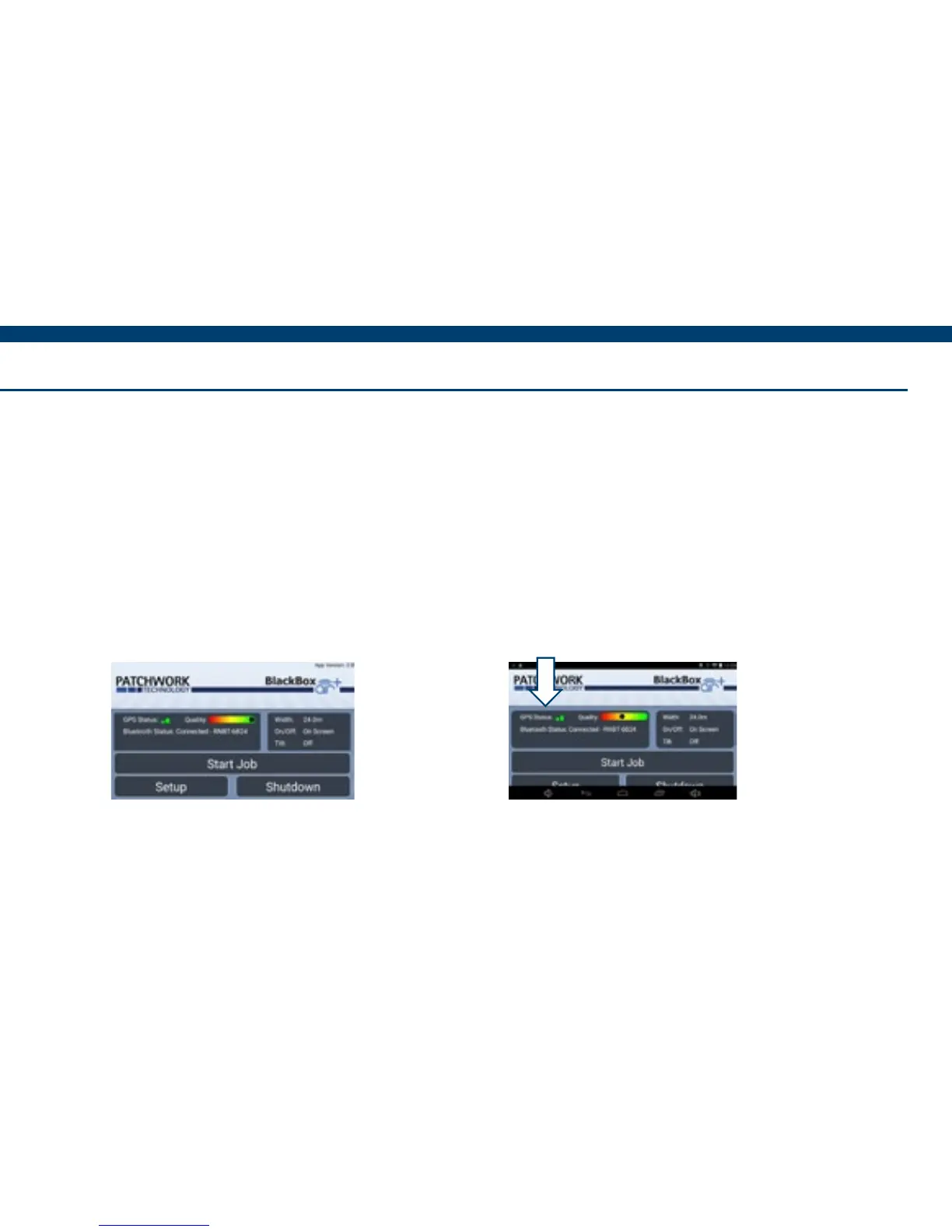
3) With the tablet power on, navigate
to the BlackBox Air+ home screen.
4) Using your nger swipe down in
the top left of the screen to display
the Android navigation bars.


 To Next Page