16
N.B. A BlackBox Core account is required to utilise this feature, for more information call
+44 (0) 1291 673366.
Using a mobile phone as a Wi-Fi hot spot (not required if the android device has mobile
data capability), the tracking feature connects via Wi-Fi to the mobile phone and uses the
mobile data to send positional data to BlackBox Core PC software. Within Patchwork Core
the tracking data can be displayed to show the current position of the BlackBox and where it
has been.
1) On a Mobile Phone that has mobile data access, enable the phone to be used as a Hot
Spot (refer to the mobile user guide for instructions) and make a note of the access code.
Tracking
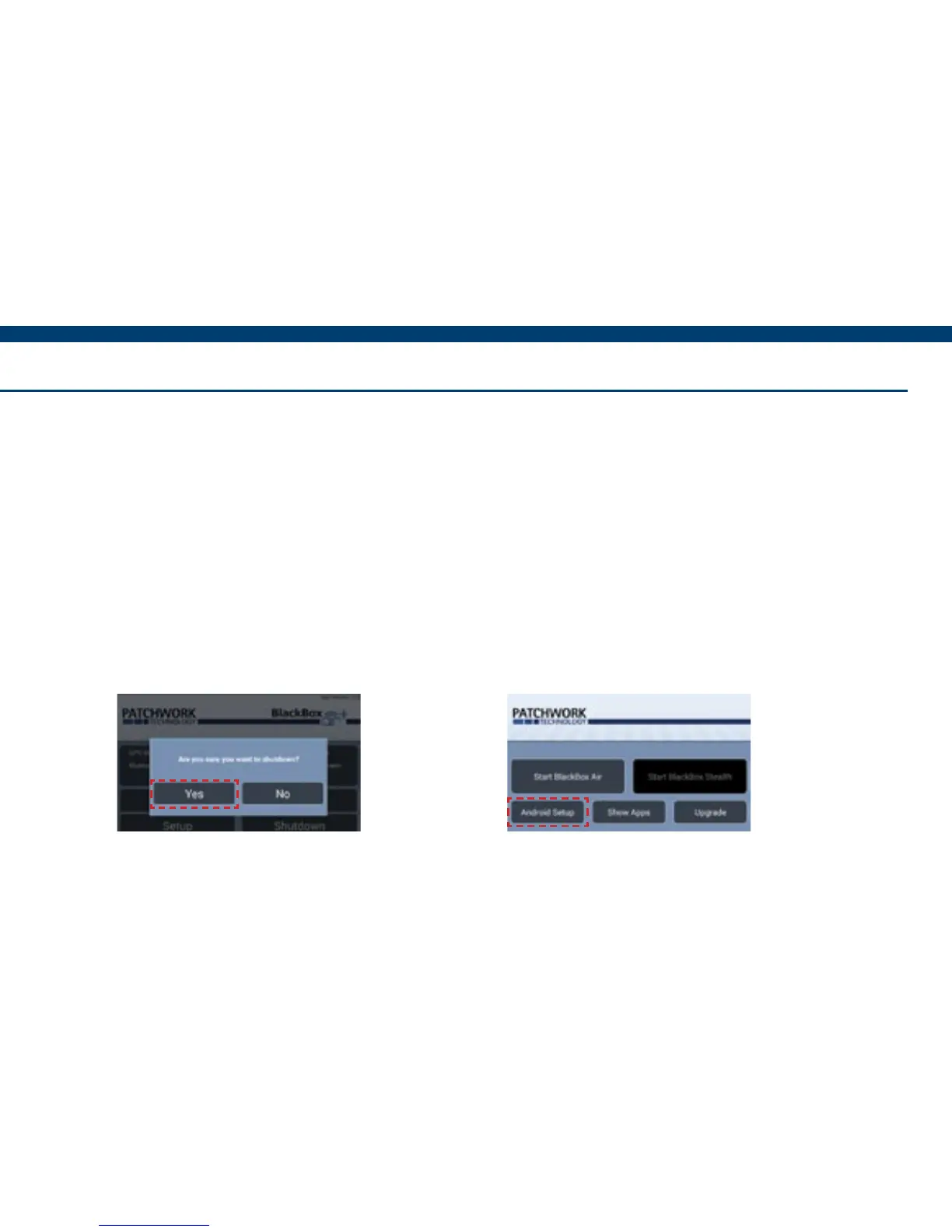
2) On the BlackBox home screen,
press Shutdown > Yes.
3) Press Android Setup.


 To Next Page