12
Headland Guidance
Headland guidance uses an existing Field Boundary Map to create a guidance line based on
the working width. This guidance line is to guide the user when working the headland of the
eld.
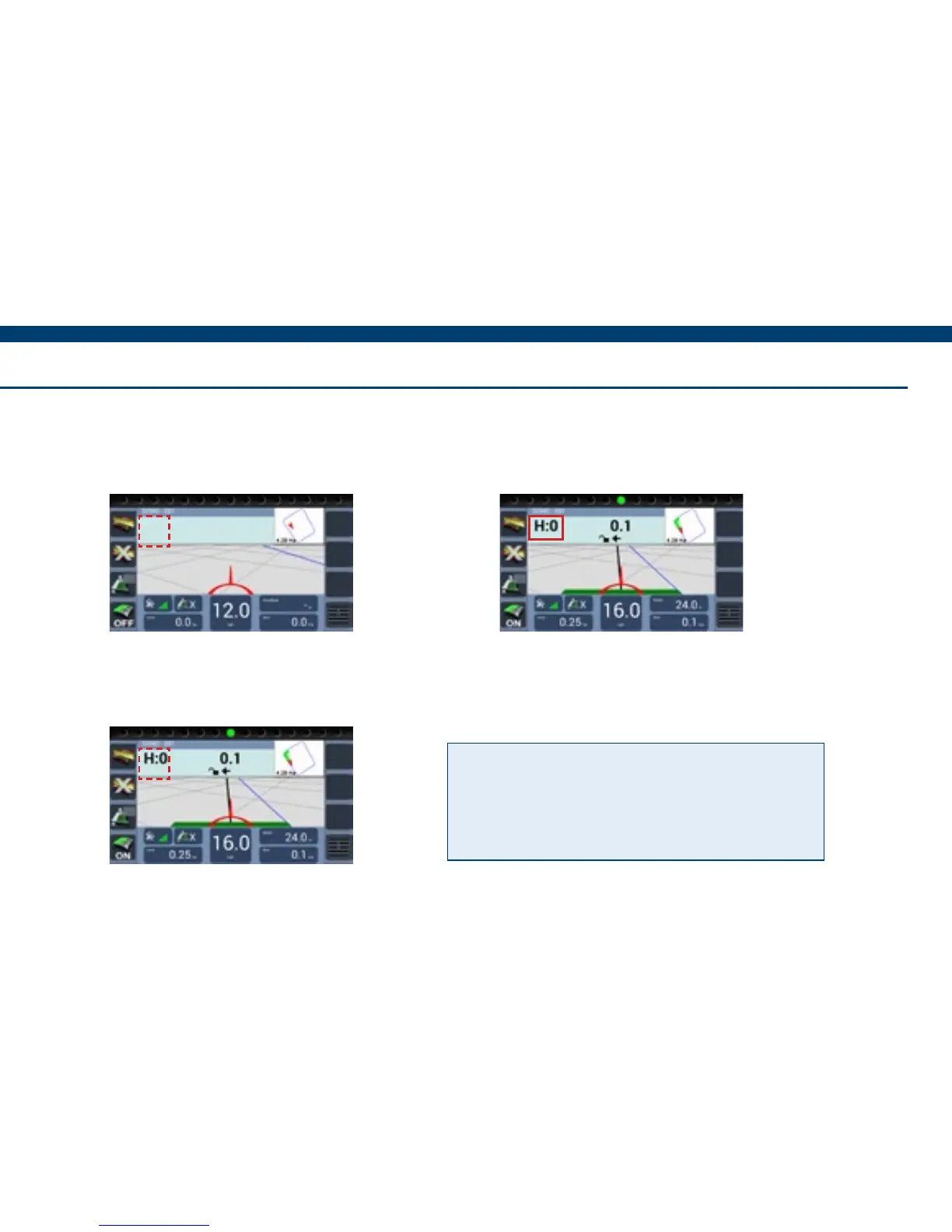
1) When in the job screen with the
Field Boundary loaded, press in the
area as shown above.
3) To switch back to AB guidance
press on ‘H:’.
2) The headland guidance line will
appear indicated by ‘H:’, ready to
guide.
Tip! Alternatively Headland Guidance
can be activated in Guidance Options
by selecting Headland and deactivated
by selecting Track.


 To Next Page