19
Air+ Features
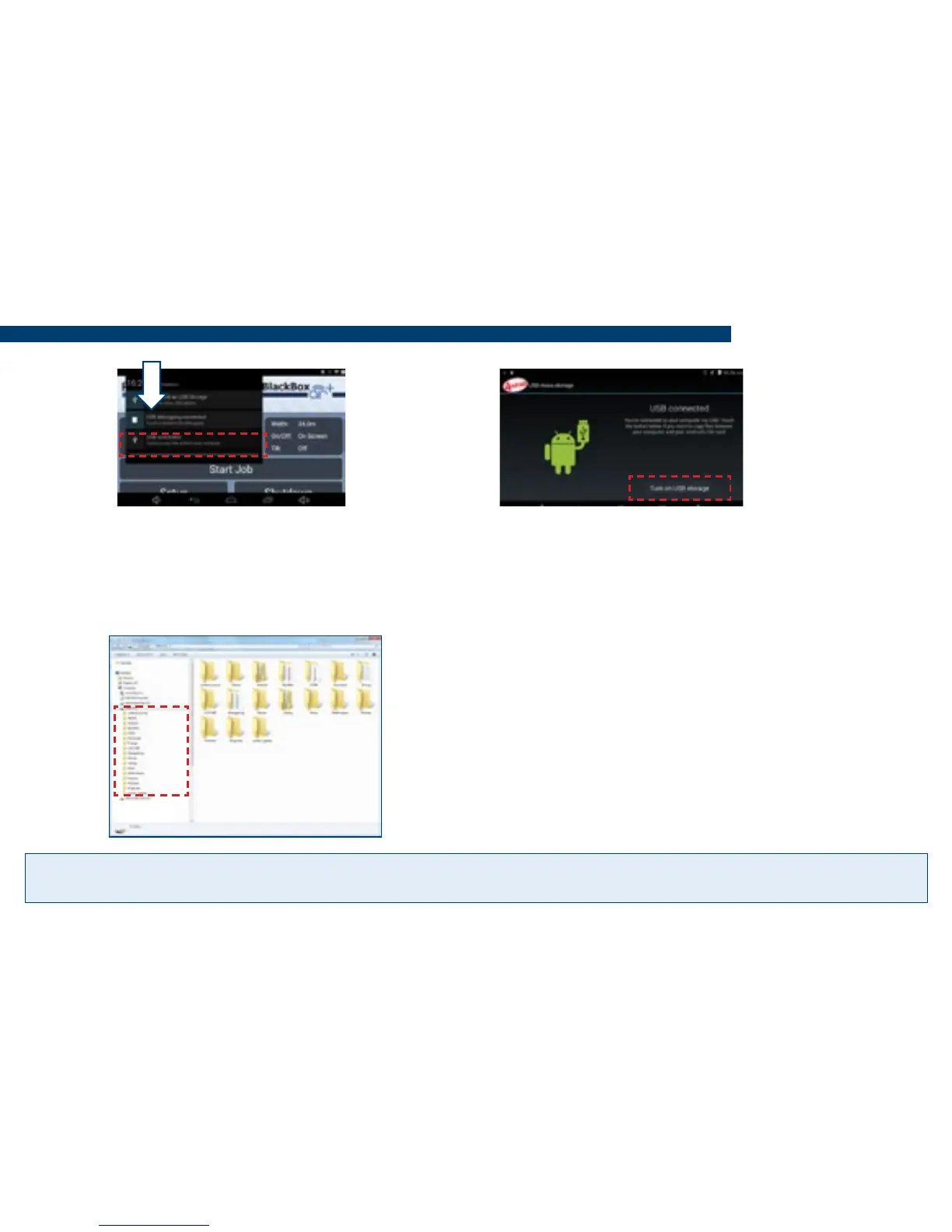
5) Swipe down in the top left a
second time to display the USB
options and from the list press on
USB Connected.
7) On the PC in most cases it will
automatically detect the storage device
(tablet storage drive) and open it
automatically to display the folders, if
not open windows explorer and locate
the storage device drive.
6) An app called ‘Android USB Mass
Storage’ will open, press Turn on USB
Storage and press OK to the mes-
sage box.
Tip! Files can also be copied from the DCIM folder to a folder on the PC for storage and backup.


 To Next Page