PBI-Dansensor A/S COPYRIGHT © PBI-300042-B 10/2010
CheckMate 3 EN User Guide 37
General setup
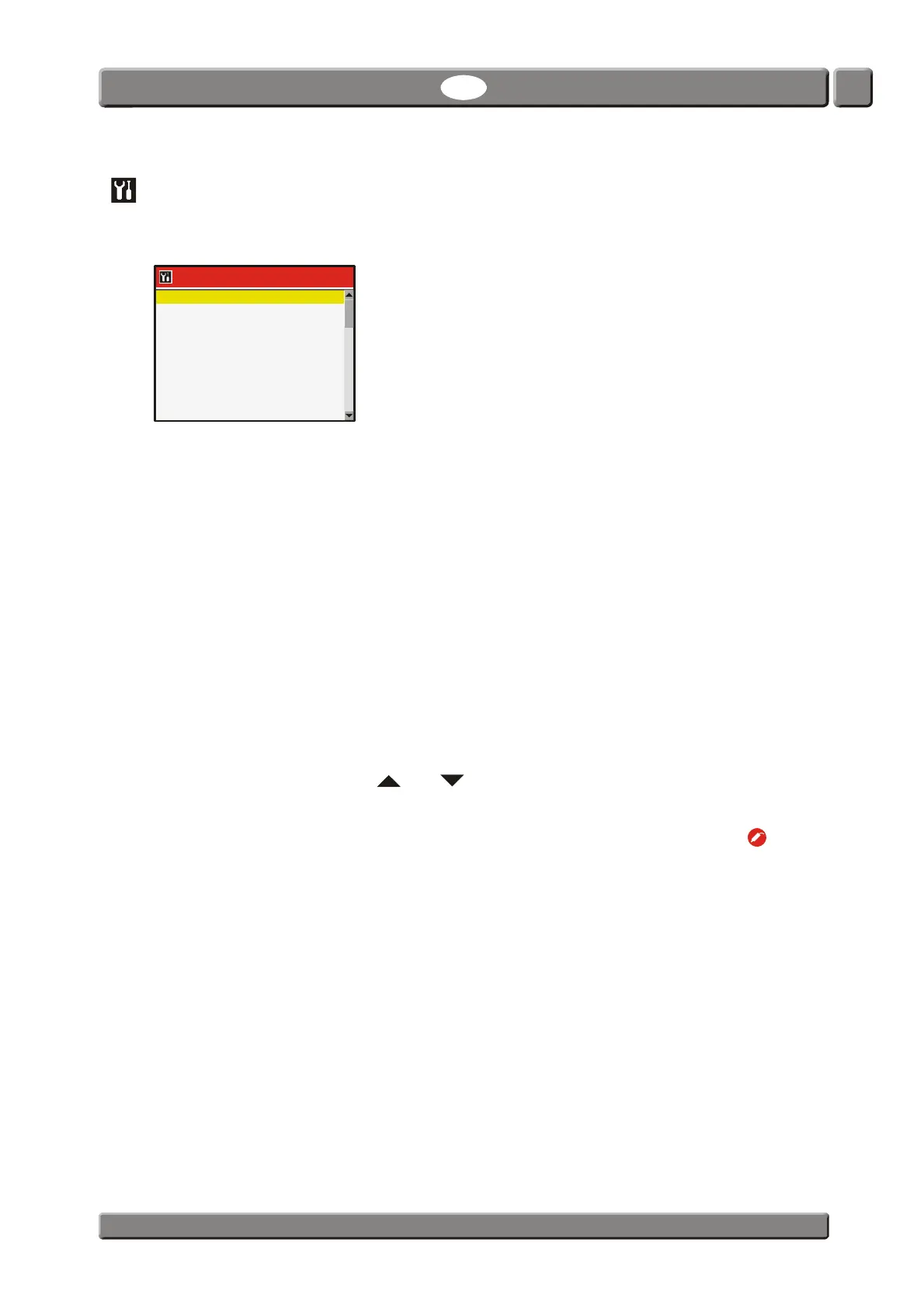
Selecting General setup from the Main menu will display a menu with available set-up
parameters.
Menu items followed by ... brings up a submenu with available set-up parameters for the
selected item.
The General setup menu holds the following items:
Data log setup ... Opens the Data log setup screen
See "Data log setup ..." on page 38 for details.
Network setup ... Opens the Network setup screen
See "Network setup ..." on page 41 for details.
Custom fields setup ... Opens the Custom fields setup screen
See "Custom fields setup ..." on page 41 for details.
User setup ... Opens the User setup screen
See "User setup ..." on page 42 for details.
Back light Adjust display background light (1-5)
Contrast Adjust display contrast. (1-10)
When display shows the measuring screen you can use the
and keys to adjust screen contrast.
Brightness Adjust display brightness (1-10)
Measure delay Time before measurement starts after pressing the key.
(0.0 - 999.9 sec.)
Standby after Time before device switches into Standby mode when not in
use.
(0 = Off) (1-100,000,000 min.)
Please note that even though function is set to 0 (Off) the
device can still be forced into Standby mode by selecting
Standby from the Main menu - see "Standby" on page 47 for
details.
Sleep mode after Time before device switches into Sleep mode when not in
use.
(0 = Off) (1-100,000,000 min.)
Please note that even though function is set to 0 (Off) the
device can still be forced into Sleep mode by selecting Sleep
from the Main menu - see "Sleep" on page 48 for details.
General setup
13:46
08/17/06
Data log setup ...
Network setup ...
Custom fields setup ...
User setup ...
Back light 1
Contrast 7
Brightness 6
Measure delay 1,0 sec


 To Next Page